Skip to content

Team

  • Dark Theme for Technician Interfaces

    For greater comfort during work, especially for technicians who prefer using special interface themes to reduce eye strain, a dark theme is also available in our system. The dark theme can be enabled for most system components that are used for long periods of time. This guide explains how to switch the interfaces to the dark theme.

  • Two-Step Verification

    Two-step verification adds an extra one-time code from email, Telegram, or an authenticator app, significantly increasing your account’s security. This article explains how to enable the feature and set up your preferred verification method.

  • Connection Participants

    Although our software is primarily designed for device management rather than group calls, the number of participants involved in a connection can be more than one technician or more than one device. For example, multiple technicians can connect to the same device simultaneously, or one technician can connect to several devices at the same time. A technician can be either authorized or anonymous.

  • Connecting with SAML SSO

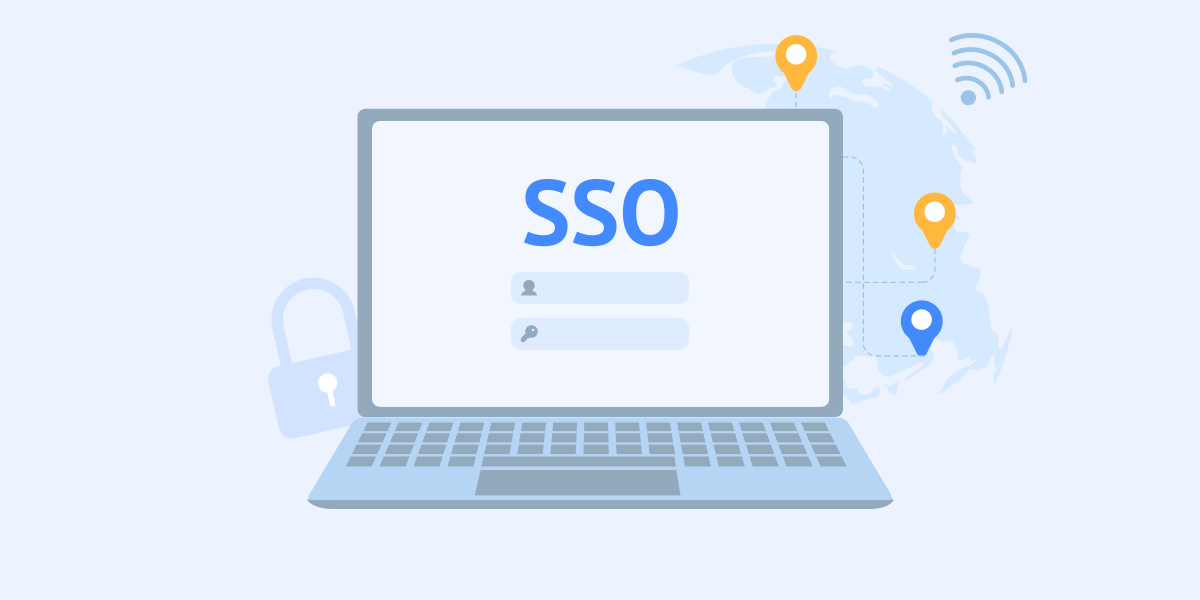
    Single-Sign On (SSO) technology simplifies employee access to the right tools and services and allows administrators to use advanced identity-based security. You can set up SSO for your employees using the Active Directory Federation System (ADFS). To do this, go to the Team section and select Single-Sign On:

  • Remote Access Logging

    Logging in remote access processes is essential for transparency and security. It records all user actions, which helps investigate incidents and prevent misuse. In addition, logs allow administrators to ensure compliance with internal policies, company standards, and regulatory requirements.