Skip to content

All Guides

  • Agent Installation Guide

    Installing the agent is required to ensure continuous access to the remote desktop. This allows the program to start automatically with the system, run in the background, and switch between users. The guide below provides detailed installation instructions for Windows, macOS, Linux, and Android.
  • What is Gateway and What is It Used for?

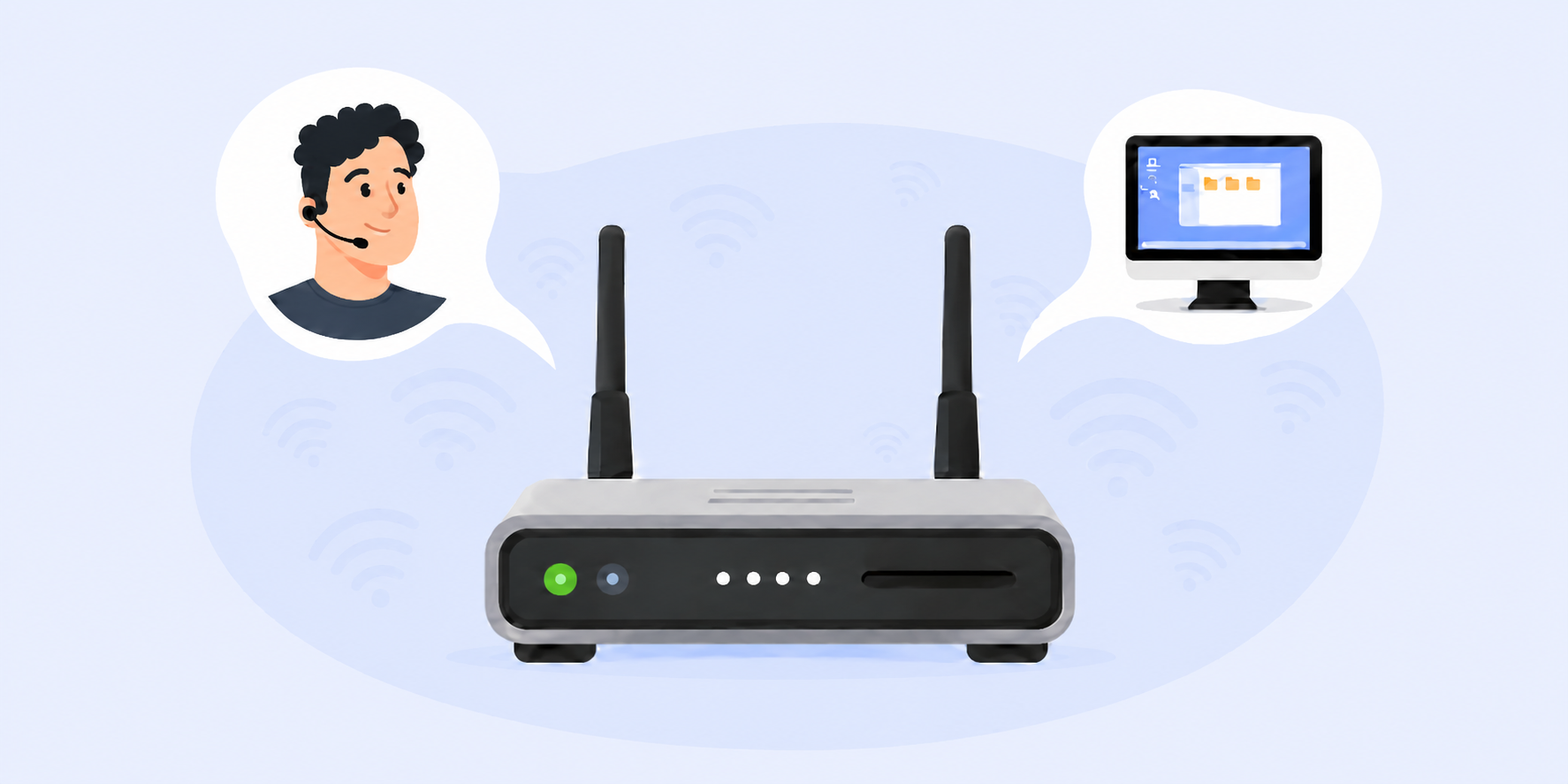
    Gateway is a small console application that provides other devices in the same network with access to the Getscreen.me server.

    It is useful when a direct connection to the server is not available due to network restrictions, or when the server needs access to resources inside the customer’s local network that are not exposed to external networks.

  • Technicians and Access Rights System

    In our system, technicians are operators who connect to remote devices. A technician can be not only the account owner but also other subordinate operators assigned to your team. Learn how to create additional technicians, manage them, and delegate access rights to devices and other features.

  • Team Settings

    These are global workspace settings that apply to all members of your team. The settings are grouped by system entities: devices, connections, and techniques. In this guide, you can learn more about each setting and what functions they provide.

  • Dark Theme for Technician Interfaces

    For greater comfort during work, especially for technicians who prefer using special interface themes to reduce eye strain, a dark theme is also available in our system. The dark theme can be enabled for most system components that are used for long periods of time. This guide explains how to switch the interfaces to the dark theme.

  • Two-Step Verification

    Two-step verification adds an extra one-time code from email, Telegram, or an authenticator app, significantly increasing your account’s security. This article explains how to enable the feature and set up your preferred verification method.

  • Connection Participants

    Although our software is primarily designed for device management rather than group calls, the number of participants involved in a connection can be more than one technician or more than one device. For example, multiple technicians can connect to the same device simultaneously, or one technician can connect to several devices at the same time. A technician can be either authorized or unregistered.