Share Screen
This is an optional Agent App feature intended for one-time screen sharing, with or without remote control. The workflow is very simple: the running Agent App generates a URL for connecting to the device. When the link is opened on another device, the connection is established automatically. No application installation is required.
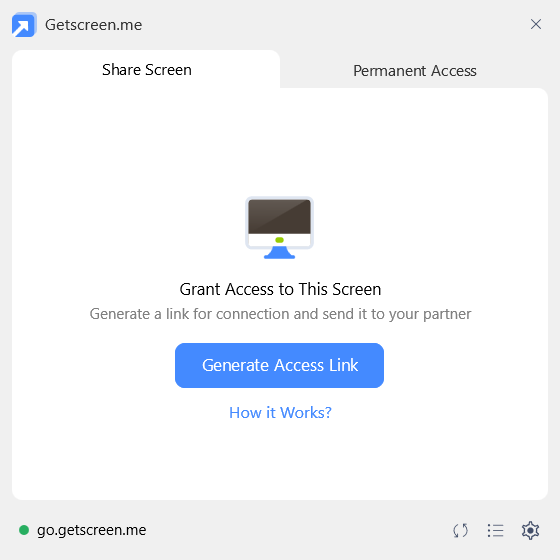
Providing Access to Your Computer
Learn more about how screen sharing works in the separate user guide.
Agent App Settings
Screen sharing is an optional feature and can be disabled or restricted in the Agent App settings. Learn more about Agent App settings in the separate user guide.
Share Link
Share Link — a one-time URL used to connect to a device. The link is generated automatically when the Agent App starts or manually using the generation button. The generated link is valid for a limited number of minutes, and its lifetime can be customized in the team settings.
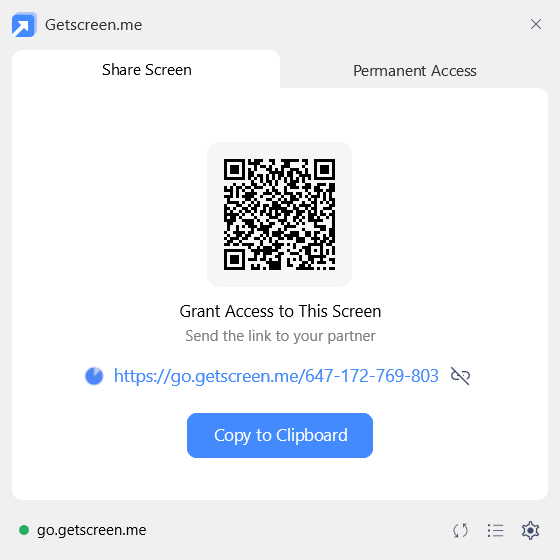
Share Code
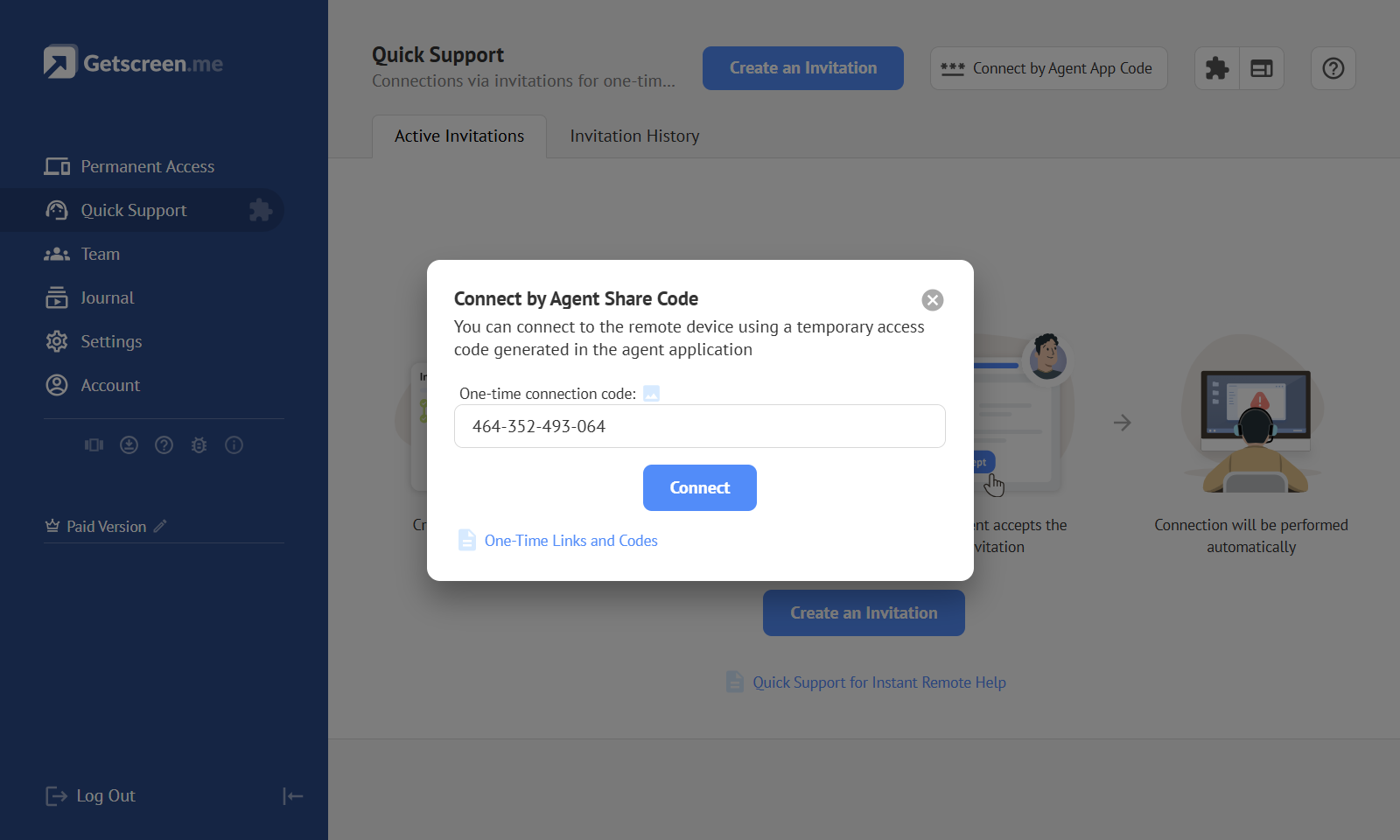
Share Code — the numeric part of the Share Link that identifies it. This code can be used when you want to share your screen with a technician registered in the system. The technician can use it as an invitation code in the Quick Support section.