Quick Support
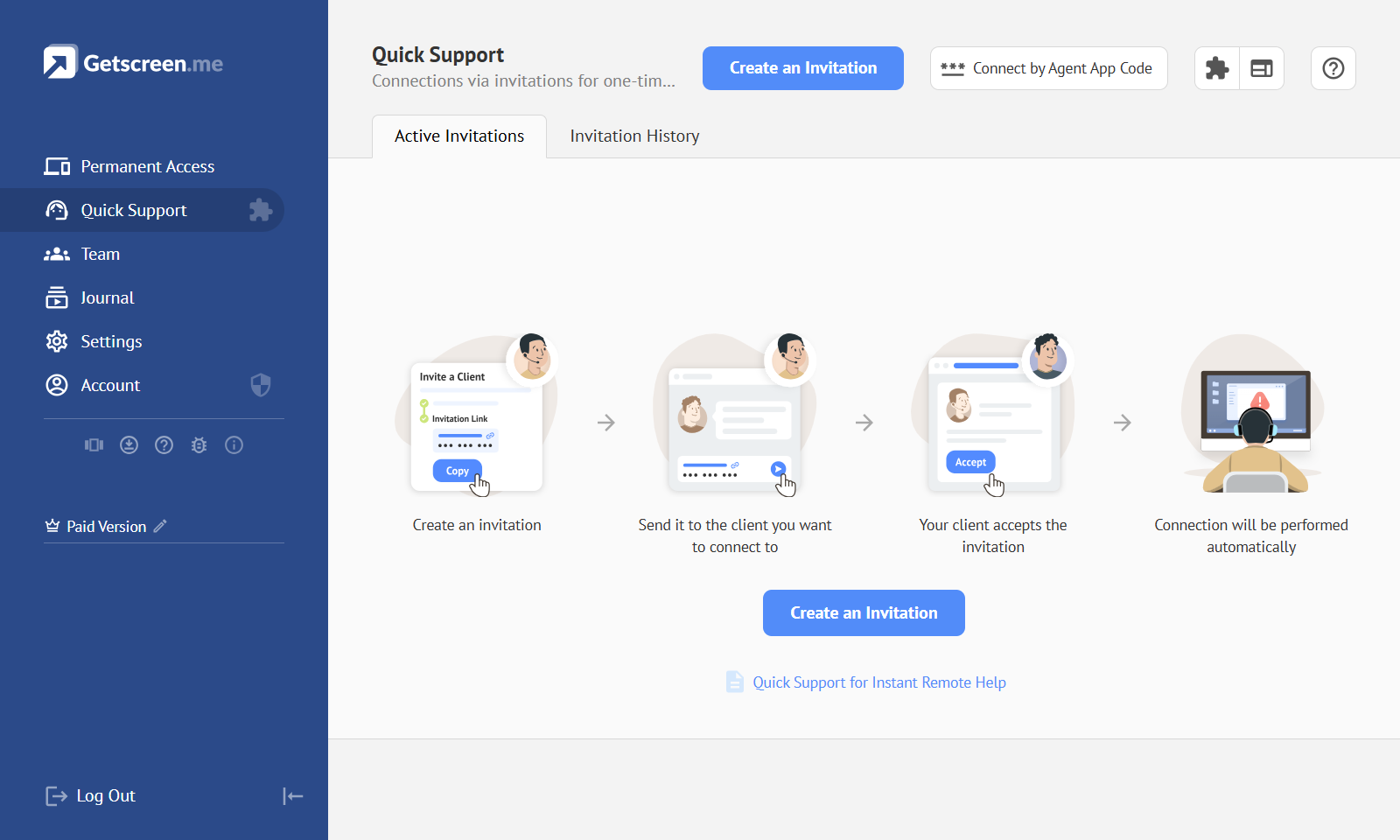
This account section is used for one-time connections to remote devices without setting up permanent unattended access. Connections are created through invitations, each containing a link to a one-time Agent App.
When the user launches the Agent App, the connection starts automatically — no connection codes or other identifiers are required. The Agent App has a simplified interface designed specifically for quick technical support. Learn More
Invitation
Invitation — an entry in the Quick Support section used to invite a specific client to establish a connection. An invitation can have a waiting-for-client status or an active-connection status.
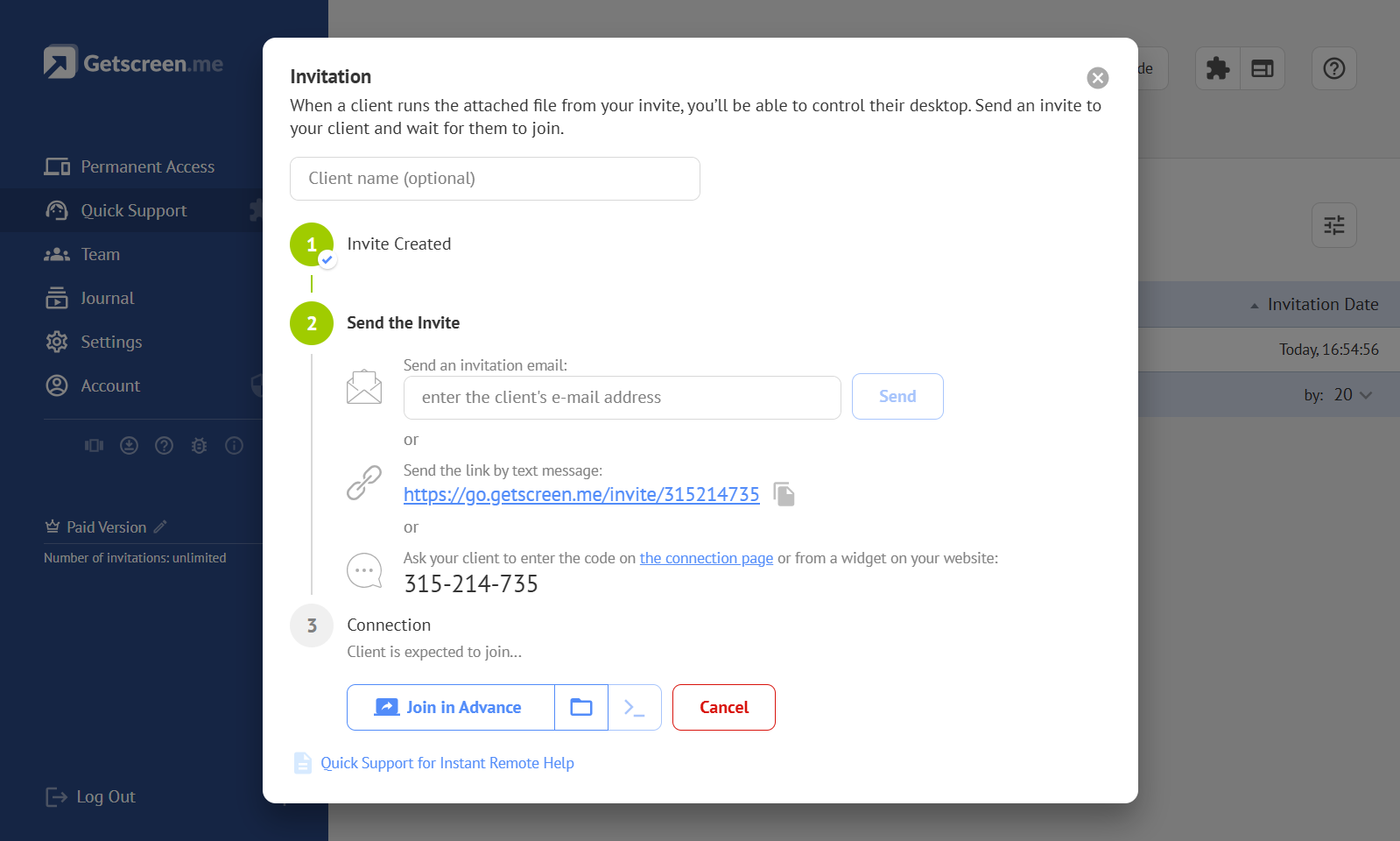
Invitation Link
Invitation Link — a unique URL of the invitation page intended for sharing the invitation through text-based communication channels, such as email or messaging apps.
Invitation Code
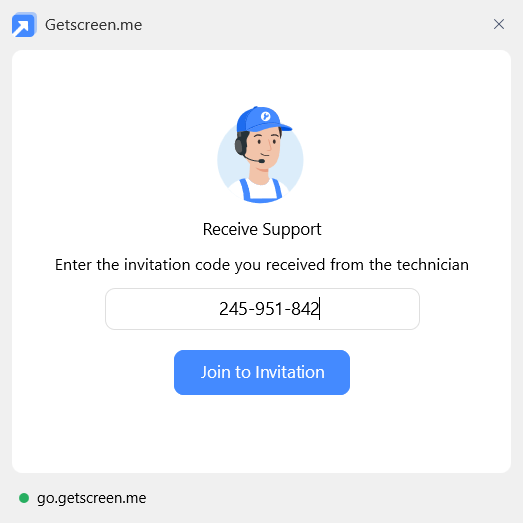
Invitation Code — a unique invitation identifier intended for sharing the invitation through voice communication. To open the invitation page, the user can enter the invitation code into a dedicated public form or a preconfigured widget.
Widget
Widget — a form for entering an invitation code that can be embedded into any public website, such as the website of a company providing technical support.
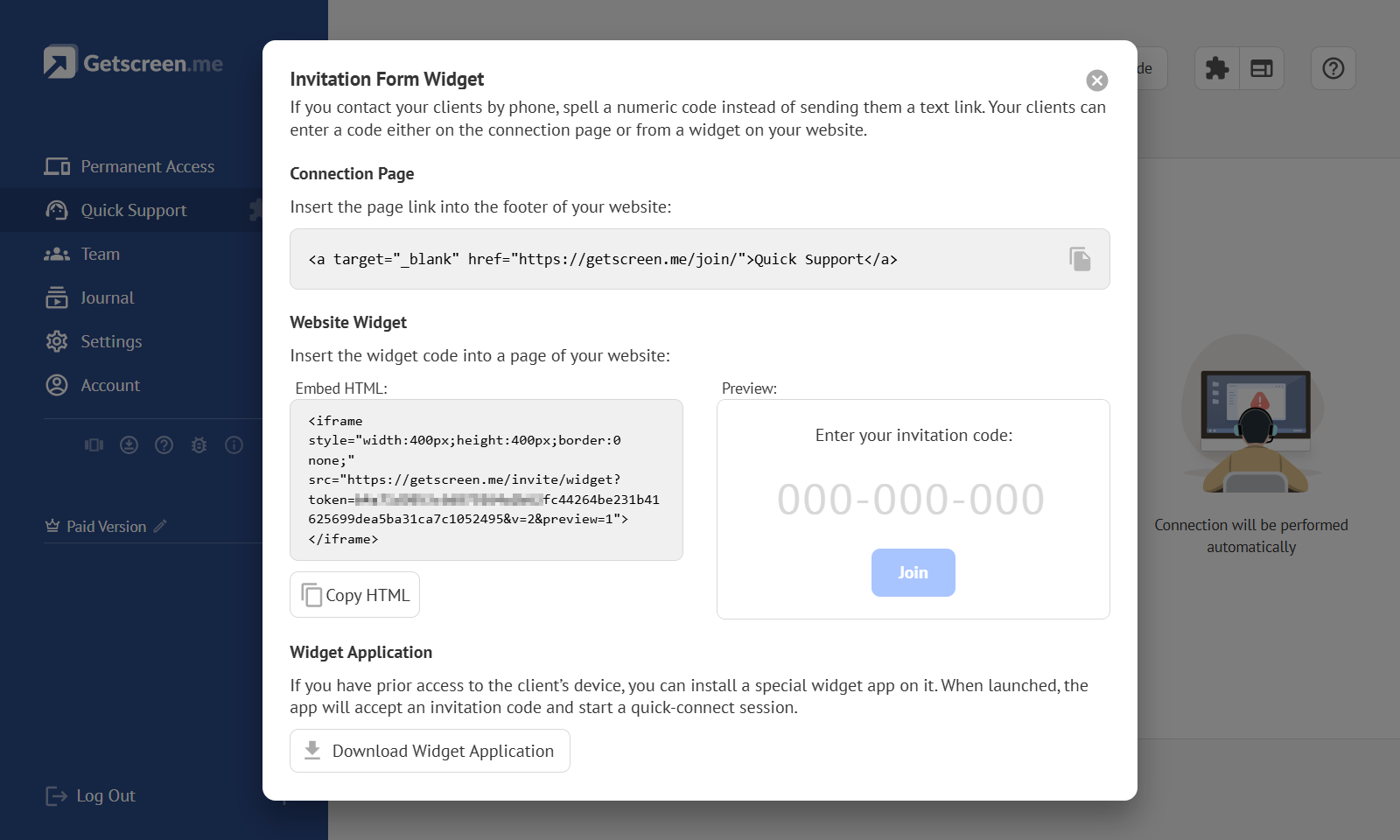
Widget Embed Code
Widget Embed Code — a fragment of HTML code used to embed the widget into a web page.
Widget Application
Widget Application — a special version of the Agent App that lets users enter an invitation code. It is used for Quick Support connections to regular clients or devices without setting up permanent unattended access.
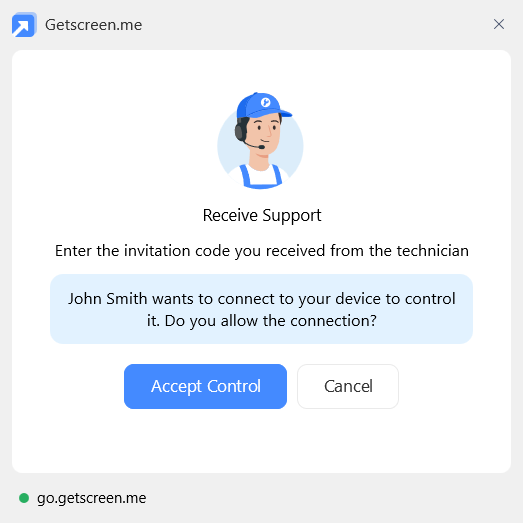
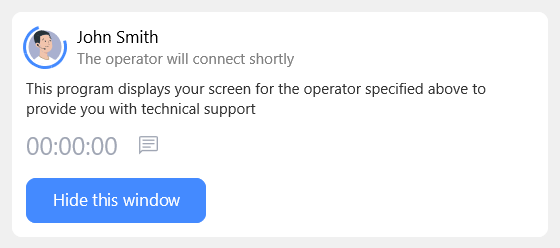
After the invitation code is entered, the application shows the invitation details and an acceptance button. Once accepted, it switches to Agent mode, starts screen sharing, and allows the remote technician to control the device.