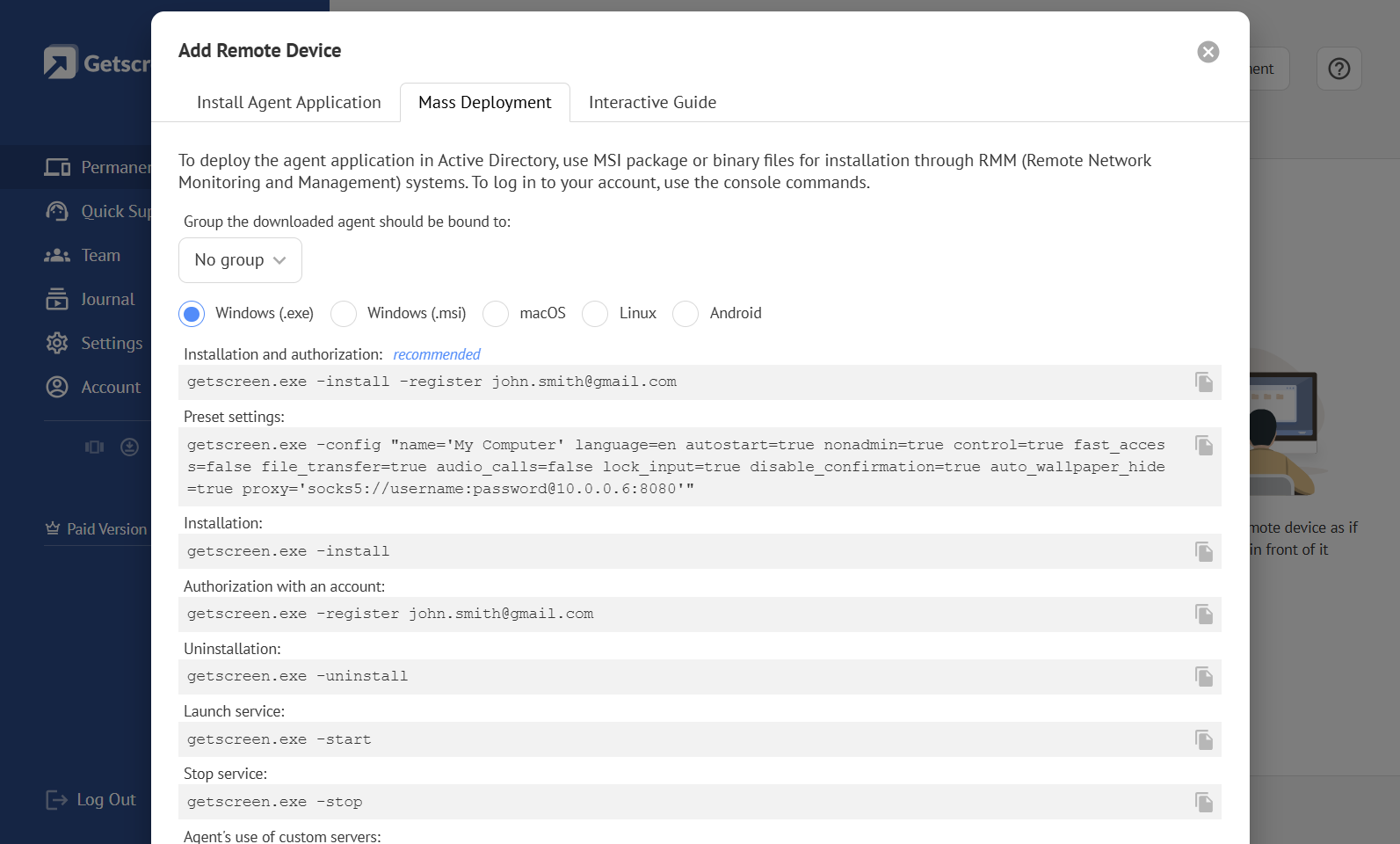
Permanent Access
This is an account section and the corresponding device management mechanism for devices linked to a technician account and intended for permanent unattended access and connection at any time. Devices are linked using the technician's email address. Connections are started from the dashboard. It is intended for long-term administration of personal or corporate devices. Learn More
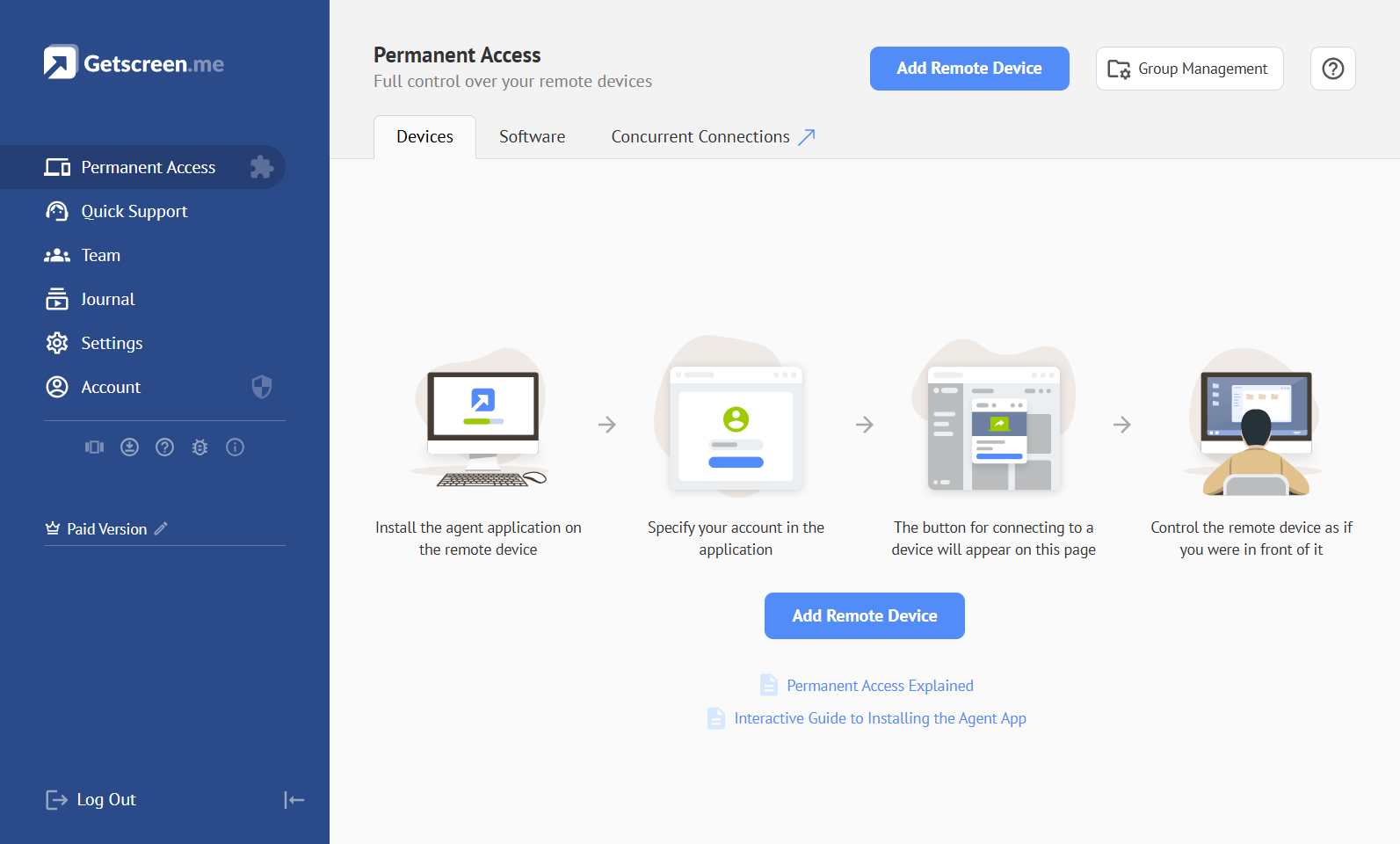
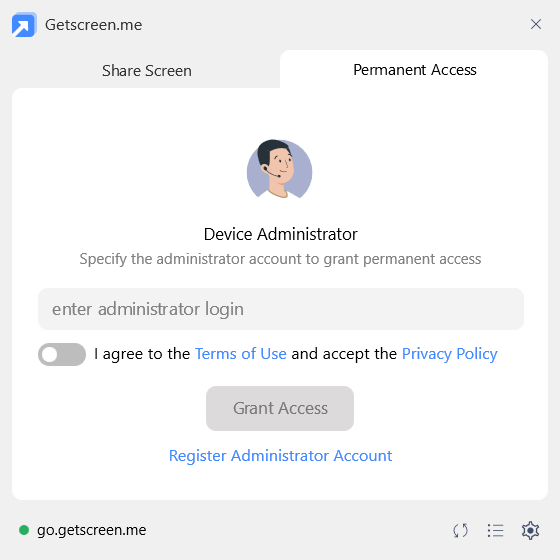
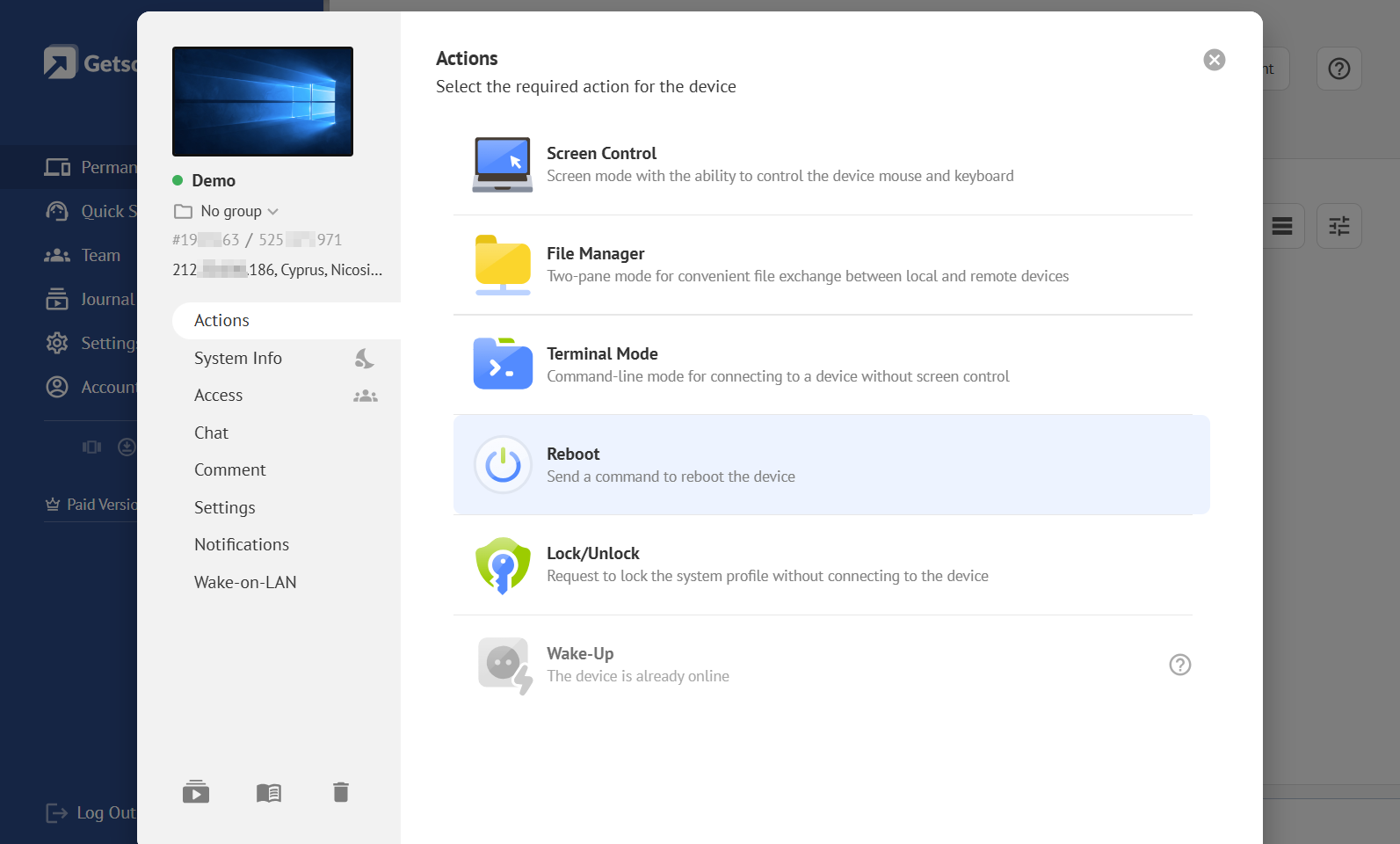
Device Card
Device Card — the interface card for a device configured for permanent unattended access. It contains general device information, management functions, settings, and connection options.
Group
Group — an internal system entity used to group devices from Permanent Access for managing access permissions and Agent App settings. Learn More
Group Manager
Group Manager — a tool for creating, deleting, and editing device groups.
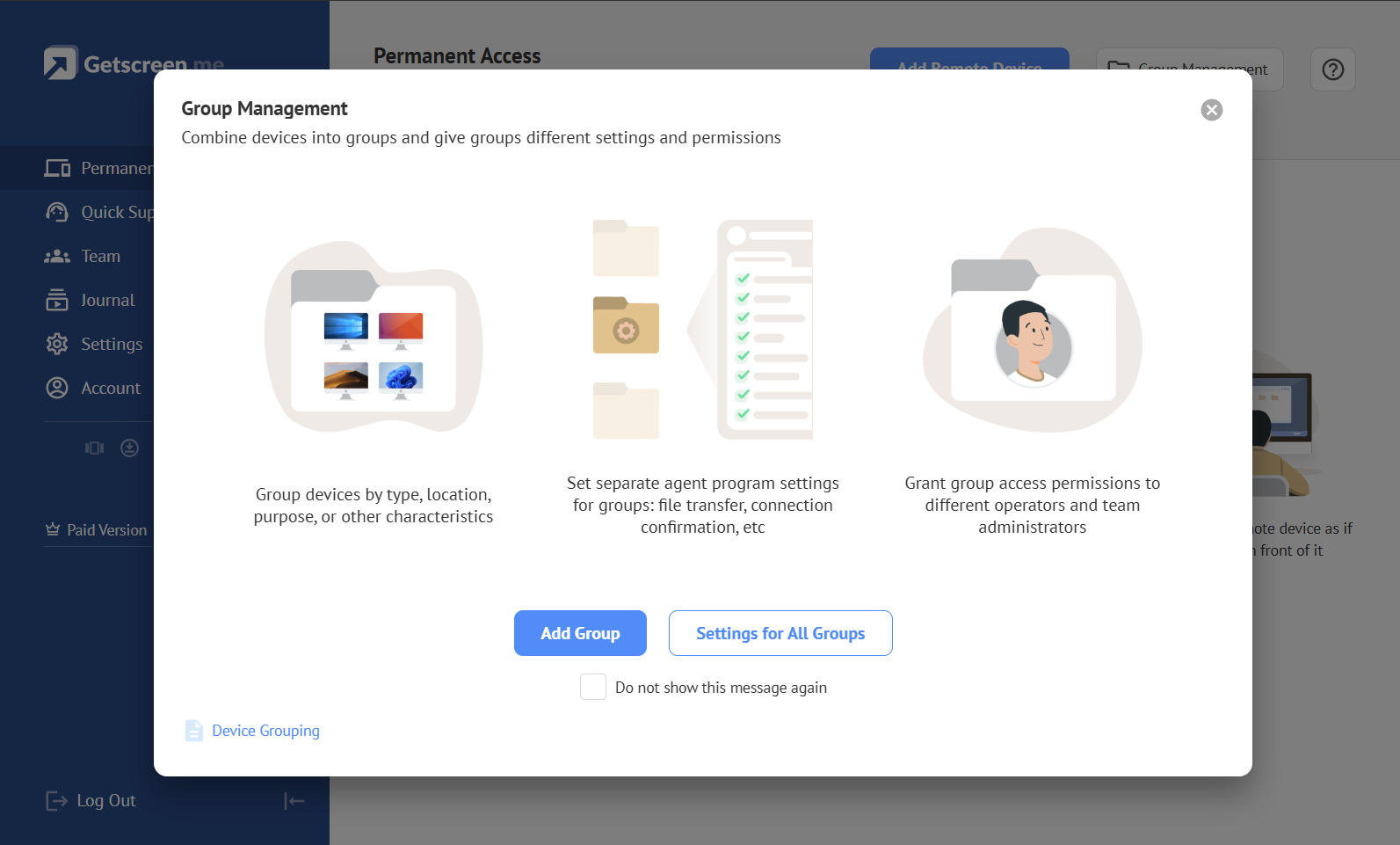
Group Policy
Group Policy — a set of group policies used to apply the same Agent App settings to a group of devices configured for permanent unattended access. Settings applied through Group Policies take priority over settings configured through the app interface and cannot be changed from the Agent App interface.
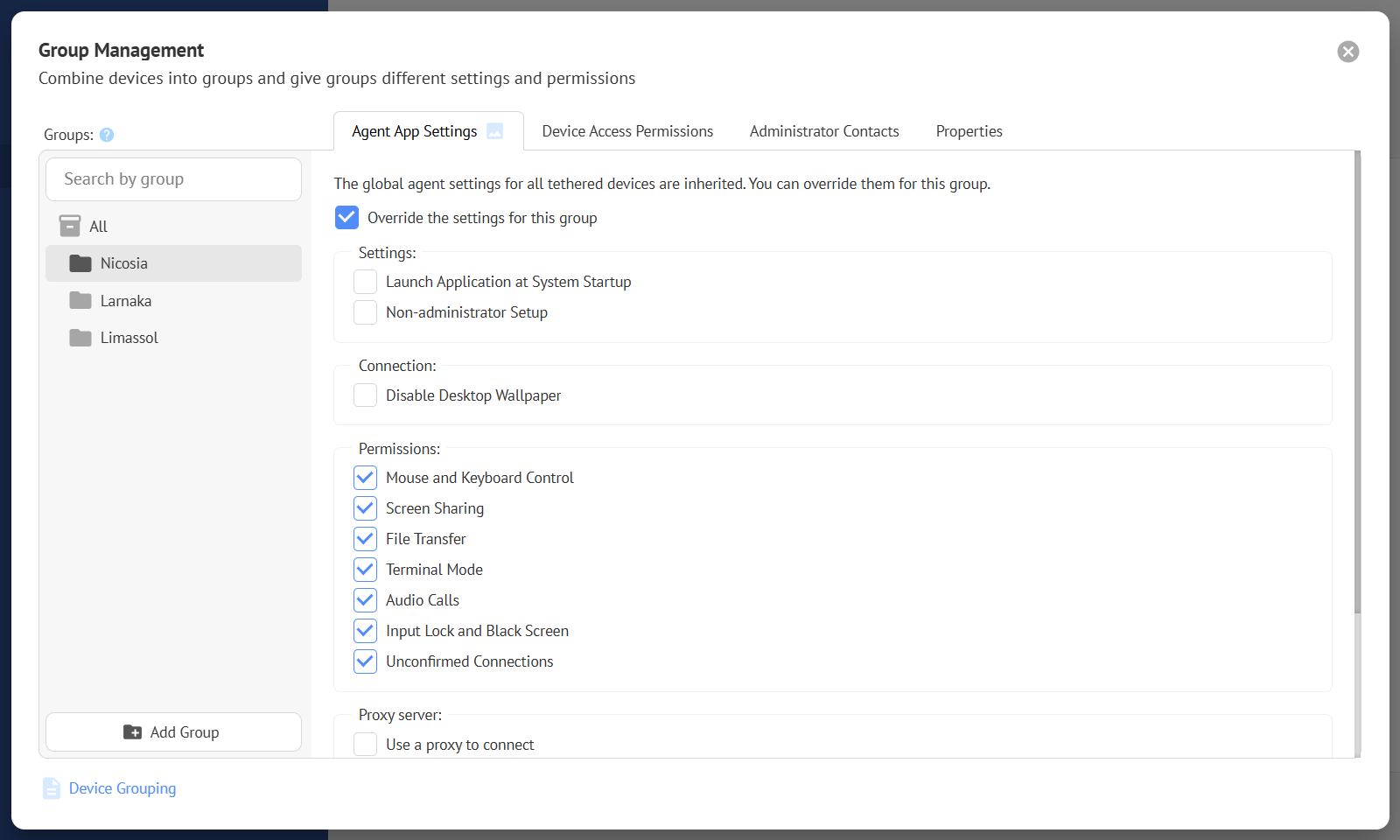
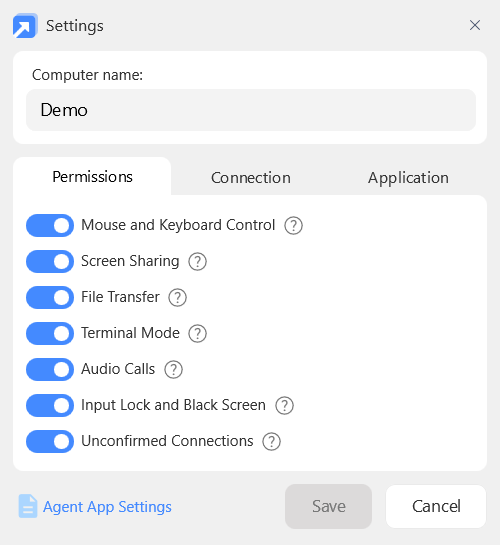
Agent App Settings
Agent App Settings — a set of Agent App settings that control which device access functions are allowed, such as the available connection modes. Settings can be configured individually on each device through the app interface. They can also be applied through Group Policies. Learn More
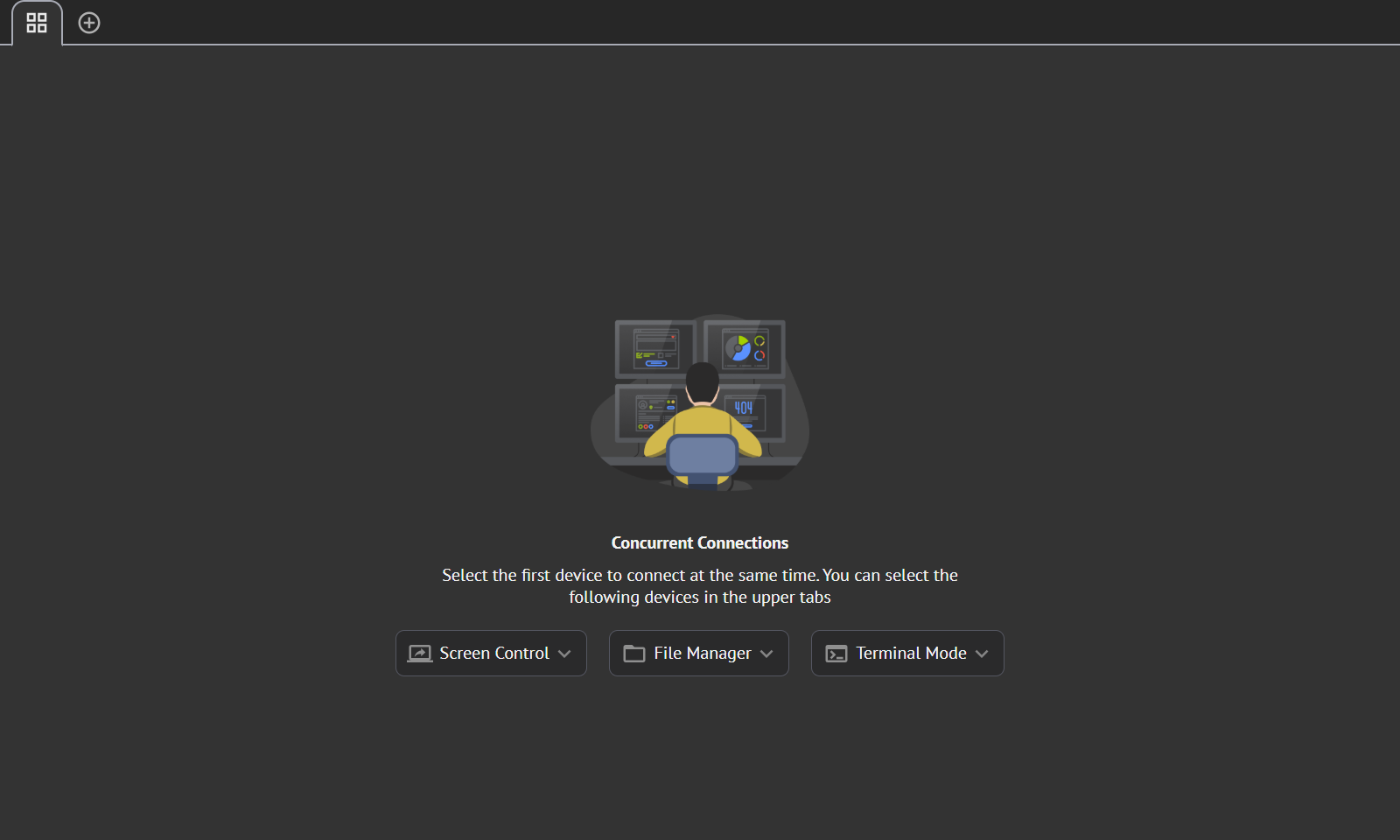
Concurrent Connection
Concurrent Connection — the ability for one technician to connect to multiple devices at the same time. It is available only for devices configured for Permanent Access. Learn More
Mass Deployment
Mass Deployment — the process of deploying the Agent App to multiple devices across a corporate local network. It uses command-line options available in the Agent App together with specialized software deployment systems. Learn More