Connection
This is an ongoing process of connecting a technician to a remote device, during which the technician can view and control the device screen and use the available remote access tools.
Connection Window
Connection Window — the graphical interface of the window or browser tab in which a connection to a remote device is established.
Connection Participant
Connection Participant — a participant in a connection acting as a technician. Multiple technicians can join the same connection simultaneously for collaborative work. Learn More
Connection Mode
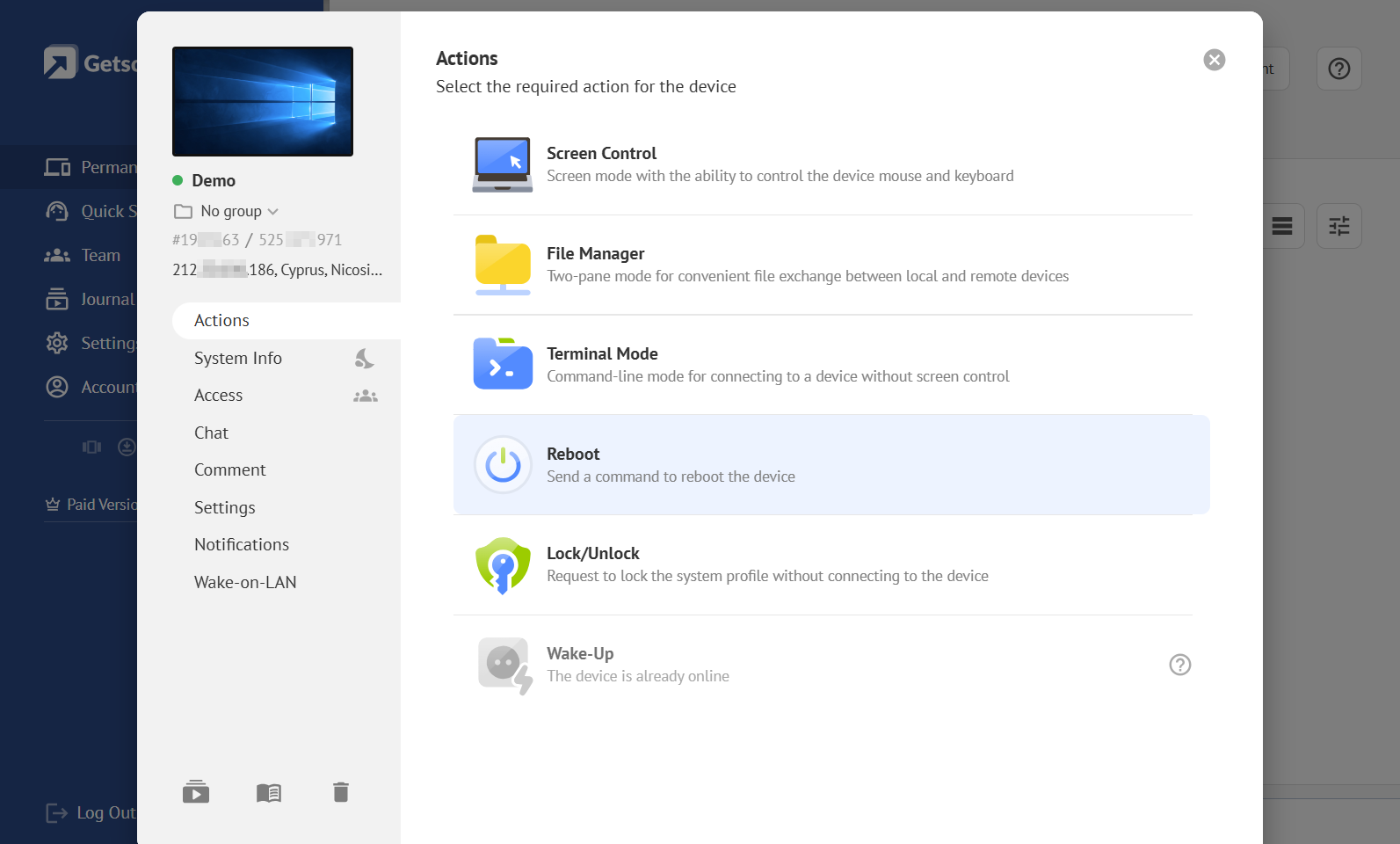
Connection Mode — a mode for interacting with and managing a remote device. Mode selection is available for devices from Permanent Access or Quick Support invitations.
Screen Control
Screen Control — a mode for controlling the screen of a remote device using a mouse and keyboard. Learn More
File Manager
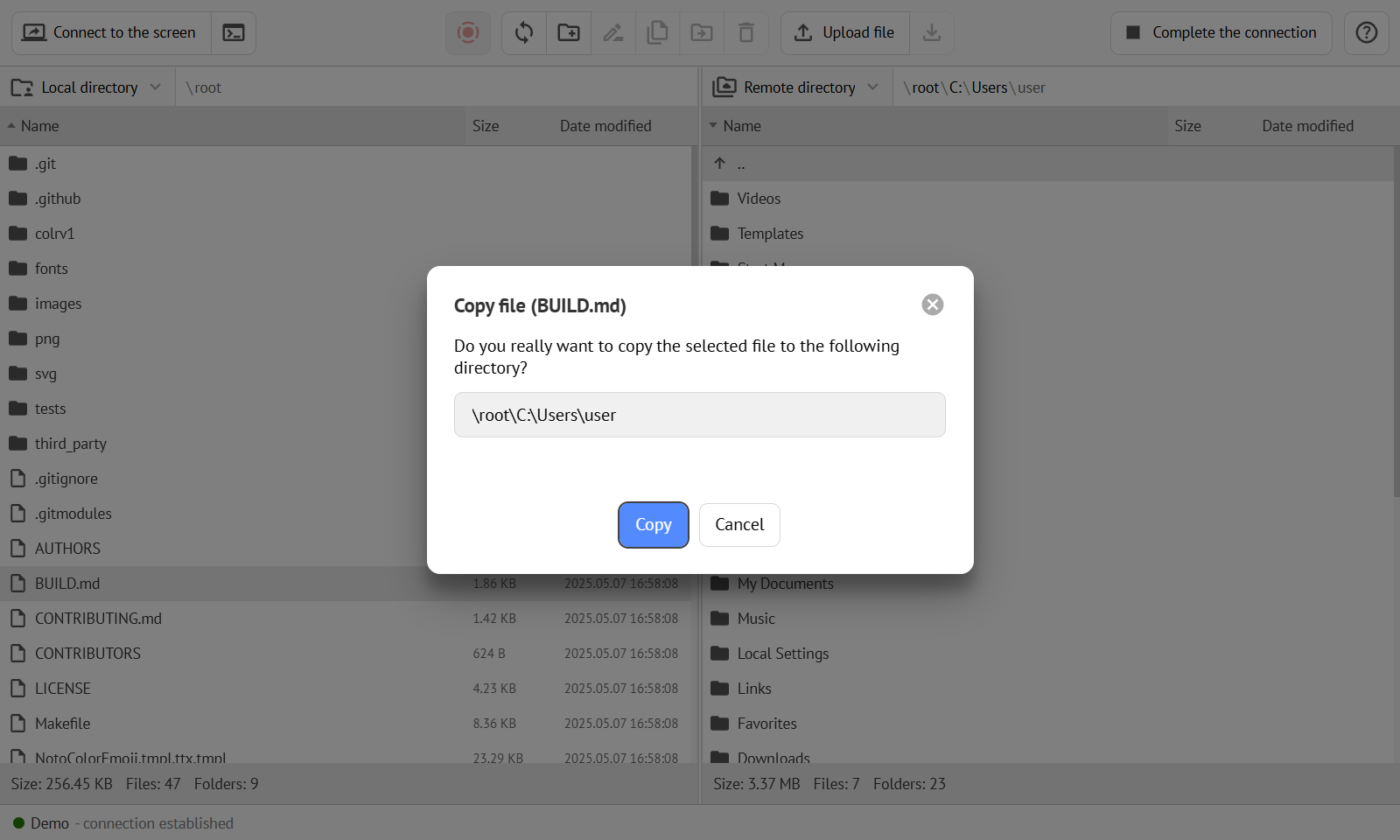
File Manager — a mode for managing the file system of a remote device, including uploading, downloading, and managing files and folders. The mode uses a two-pane graphical interface for transferring files between the technician's device and the remote device. Learn More
Terminal Mode
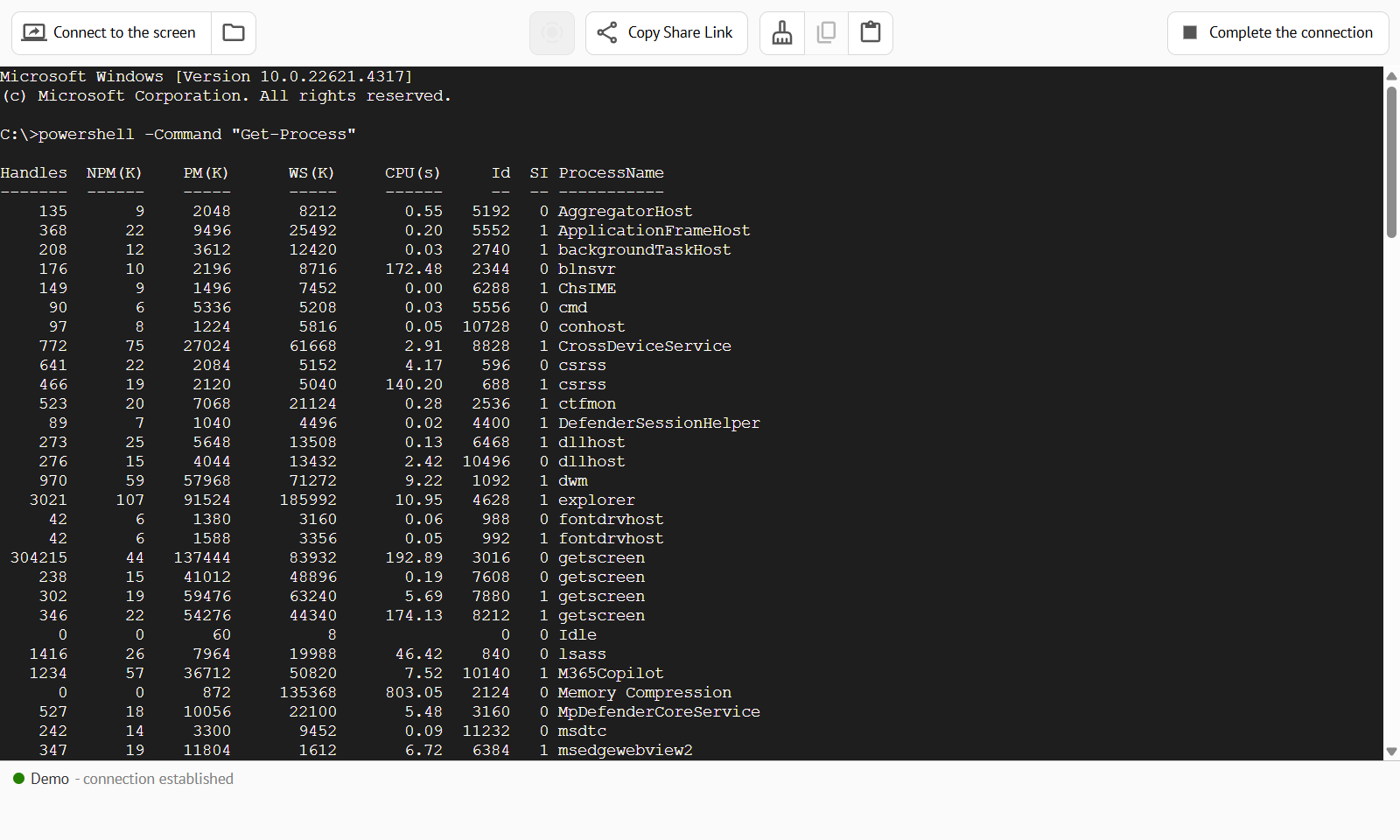
Terminal Mode — a mode for managing a remote device using the command line.
Control Panel
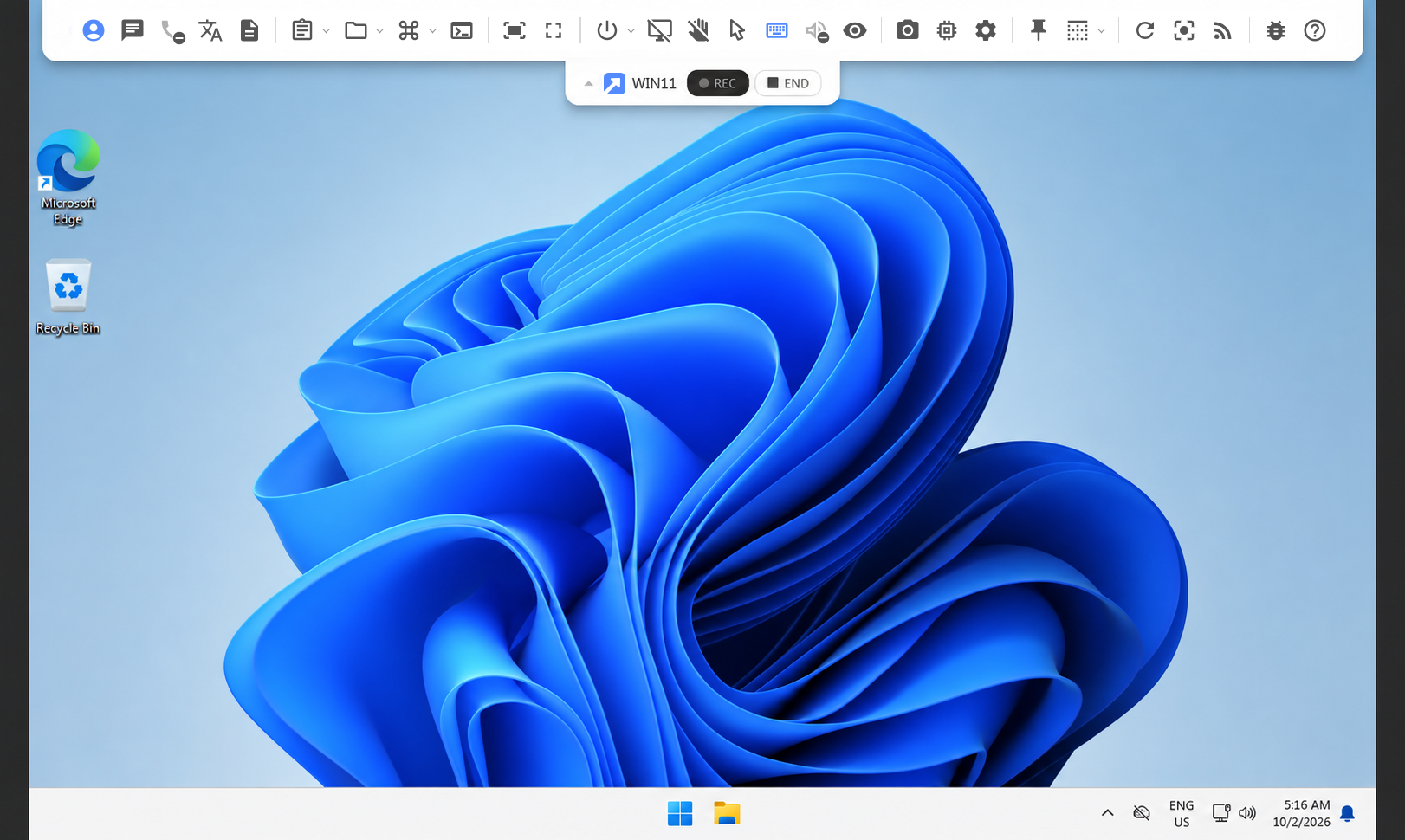
Control Panel — a panel inside the connection window that provides various control functions and commands for the technician.

Video Channel
Video Channel — a channel for transmitting media data between the connection window on the technician's side and the Agent App on the remote device. Learn More
Custom Proxy Server
Learn more about data transmission channels and their configuration in the separate user guide.
WebRTC Channel
WebRTC Channel — the primary data transmission channel that uses WebRTC technology to establish a direct P2P connection. Learn More
WebSocket Channel
WebSocket Channel — a fallback data transmission channel that uses WebSocket technology to establish a connection through a proxy server. Learn More
Connection History
Connection History — a history of all connections made by all technicians in the team.
Remote Access Analytics
Learn how to use connection history for analytics in the separate user guide.
Video Record
Video Record — a video recording of a specific connection. Video recording is available for different connection modes. Learn More