Team
This is an account section for managing your own team of subordinate technicians. A team is used for collaboration and workload distribution when working with remote devices. It is intended for company or product technical support departments and for corporate network administration.
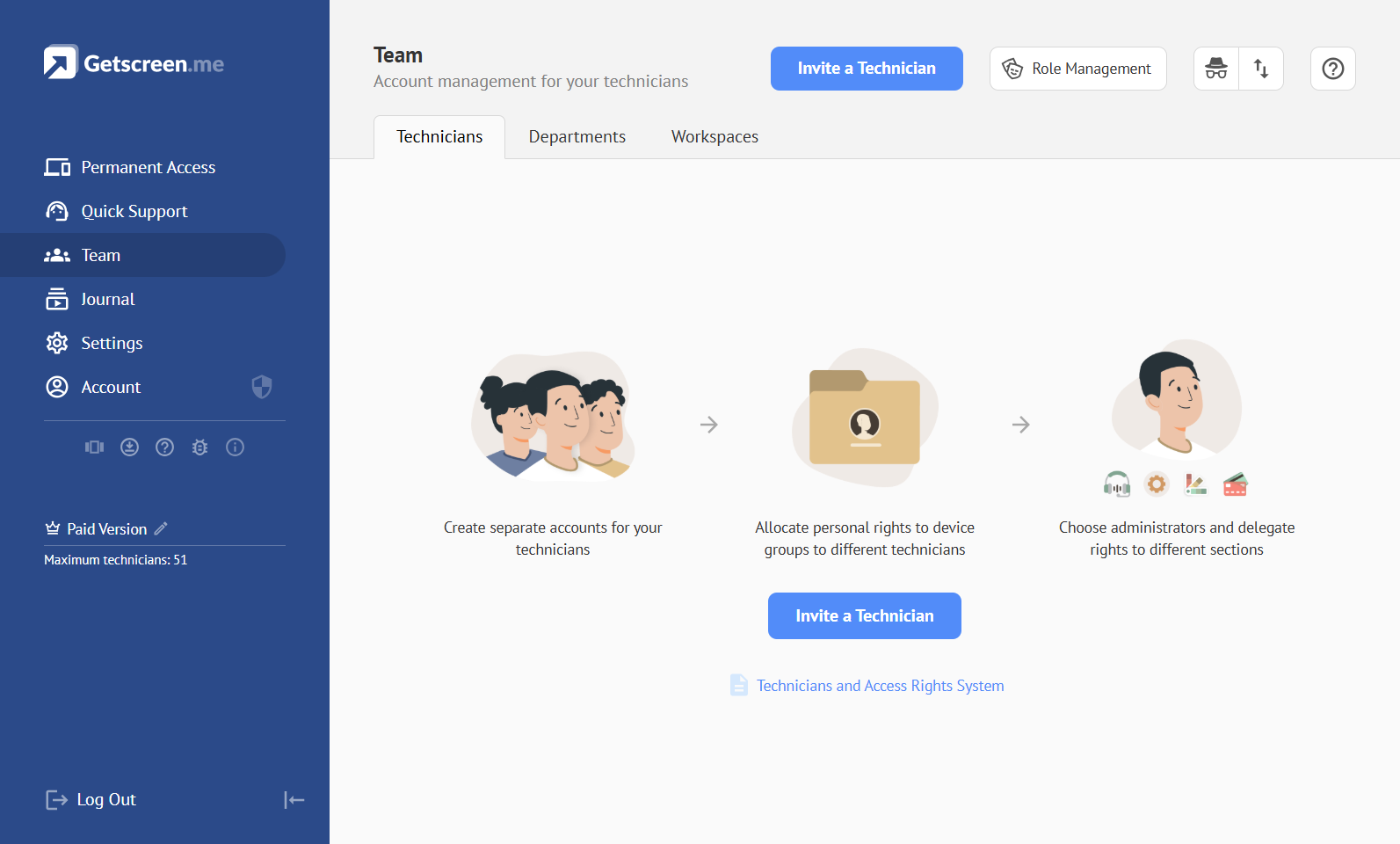
Technicians and Access Rights System
Learn more about team management in the separate user guide.
Team Owner
Team Owner — the account of the team owner. All team settings and devices are associated with this account, including devices added through subordinate technician accounts. The entire team uses the owner's licensing limits and options.
Technician Invitation
Technician Invitation — an invitation for a technician to join a team. The invitation is created by the team owner or another technician with team administration permissions and sent by email.
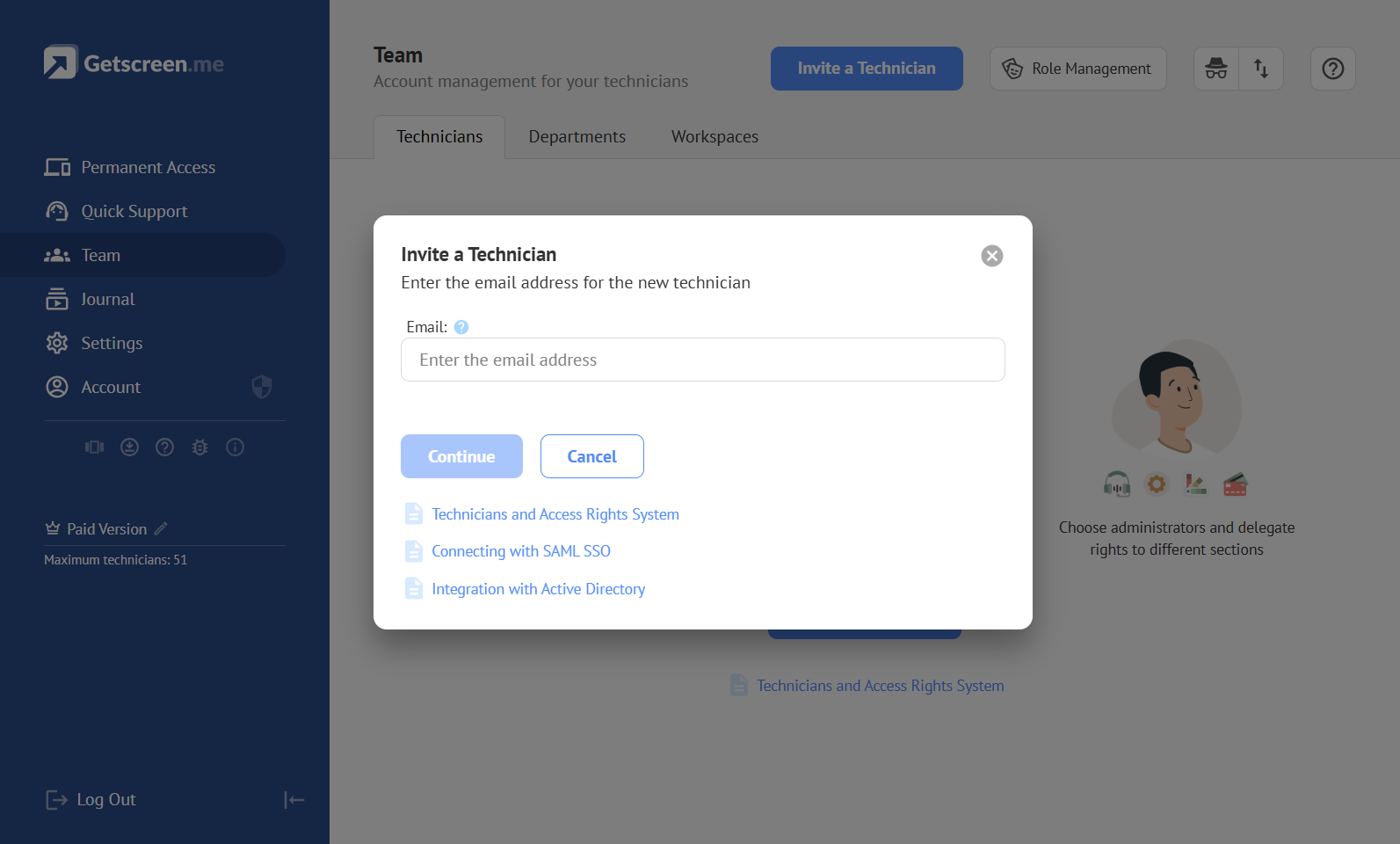
Technician Account
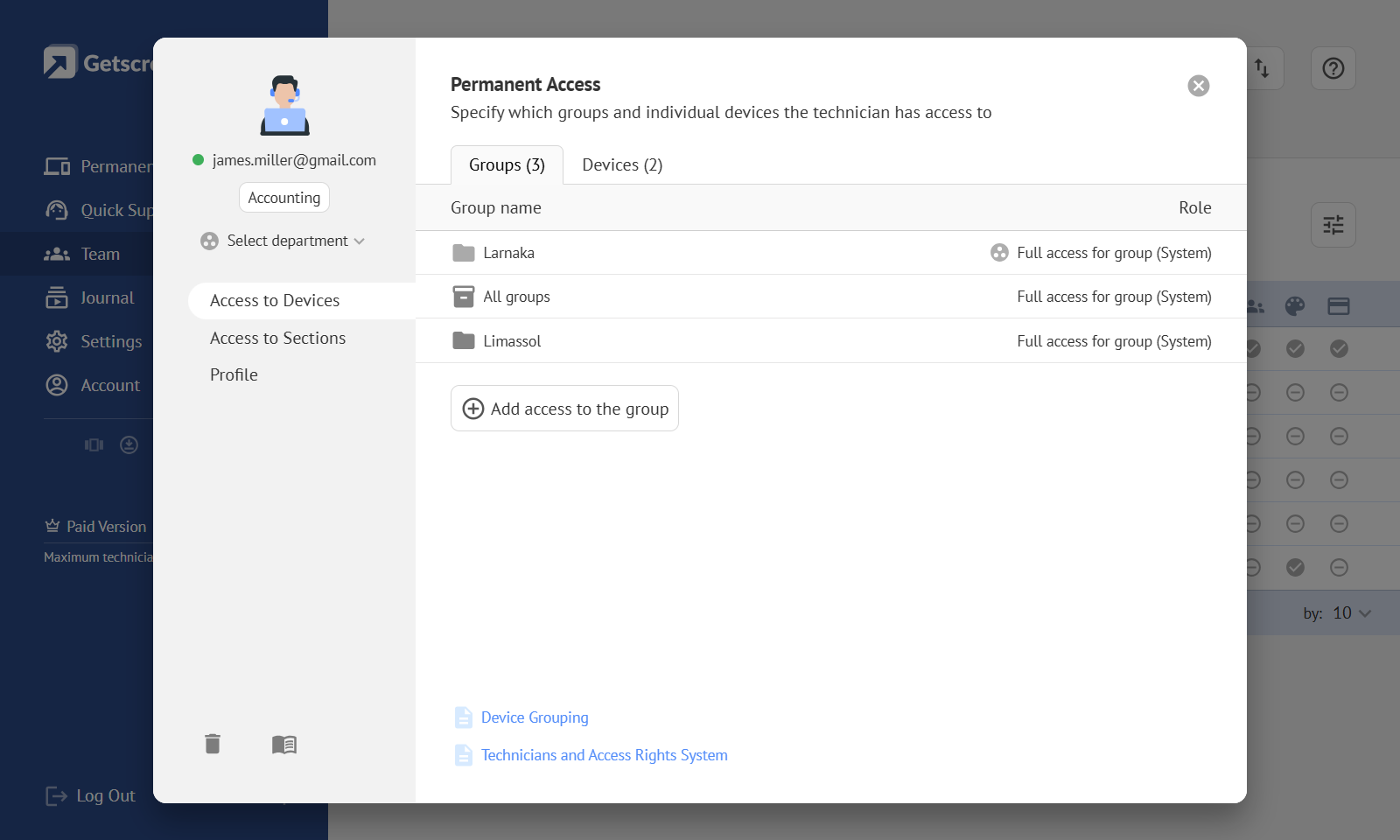
Technician Account — a separate account for a subordinate technician that is associated with a team and has its own login credentials. It is created when a technician accepts an invitation or can be created manually in the Self-Hosted version of the server. Technician accounts are managed by the team owner or a team administrator.
WorkSpace
WorkSpace — a special restricted account designed for organizing remote workplaces. Unlike a technician account, a WorkSpace account can only be granted access to specific devices, with a maximum of 5 devices. Access to device groups cannot be granted.
Department
Department — a unit used to group technician accounts. A department can be created either for technicians or for WorkSpace accounts with the same restrictions. Department accounts can be synchronized with an Identity Provider using the LDAP protocol.
Team Settings
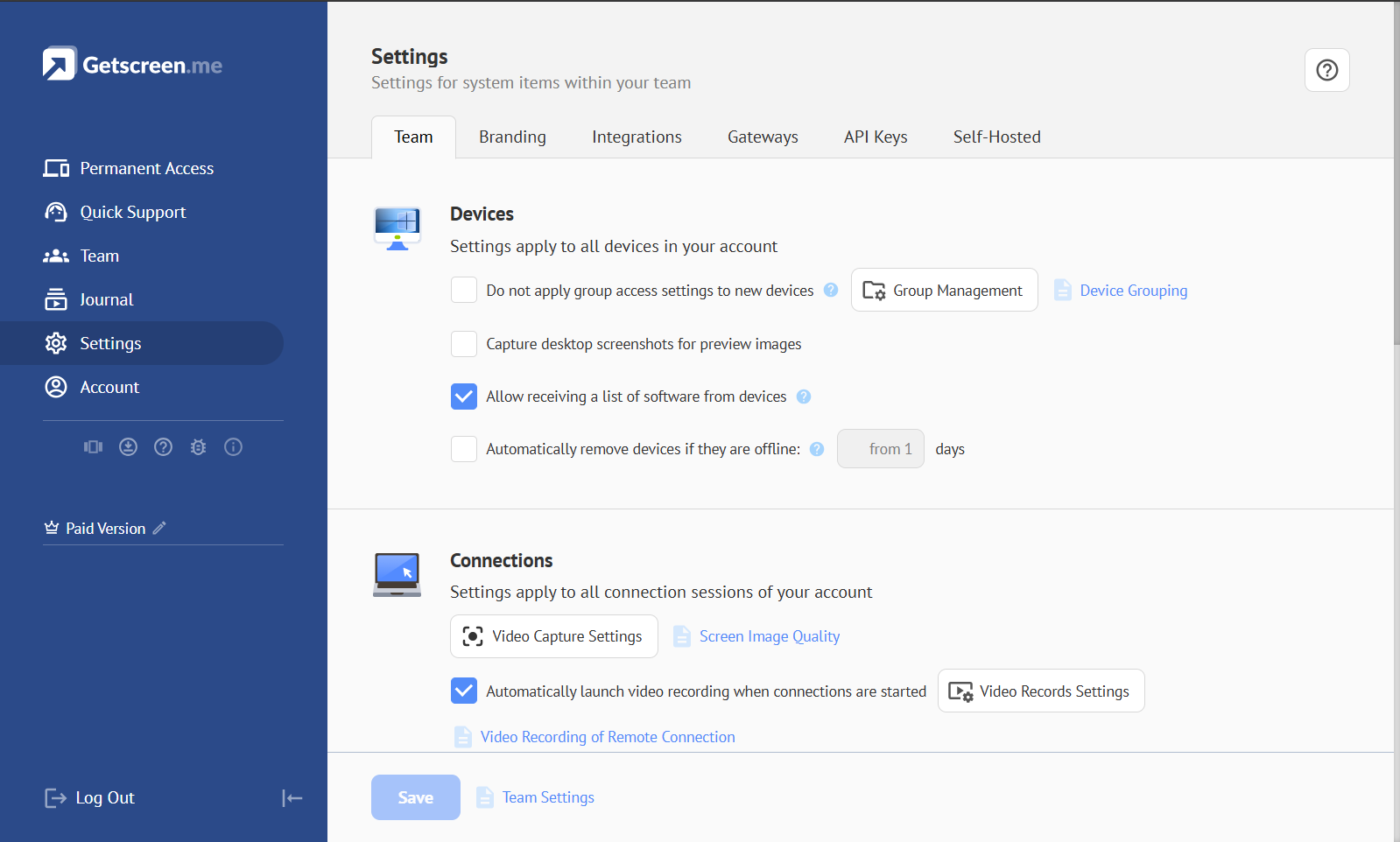
Team Settings — remote access settings that apply within a team to all system elements, including technicians, devices, and connections. Team settings can be managed by the team owner or by a technician with team administration permissions. Learn More
Identity Provider (IdP)
Identity Provider (IdP) — a system that manages users' digital identities, stores or verifies their credentials, and confirms their identity during authentication. It allows other applications and services to trust the authentication result and grant users access without storing their credentials separately.
LDAP
LDAP (Lightweight Directory Access Protocol) — a protocol for accessing centralized directories of users, groups, devices, and other objects. It allows applications to find and retrieve directory data and use it for authentication, authorization, and access management.
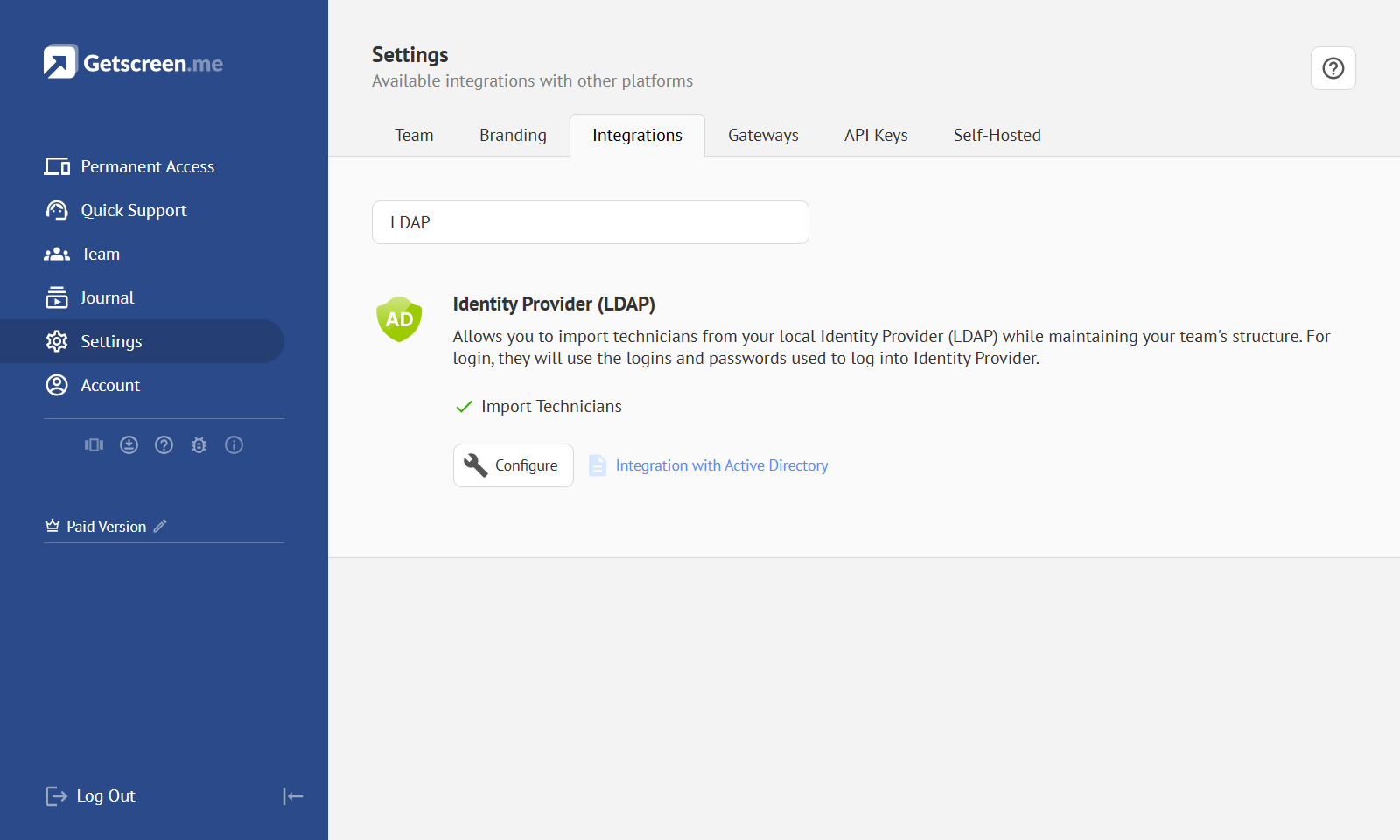
Integration with Active Directory
Learn how to synchronize technician accounts with Active Directory in the separate user guide.
SAML SSO
SAML SSO (Security Assertion Markup Language Single Sign-On) — a single sign-on technology in which users authenticate with a trusted Identity Provider and then access connected applications without entering their credentials again. The SAML standard is used to exchange authentication and user information between systems.
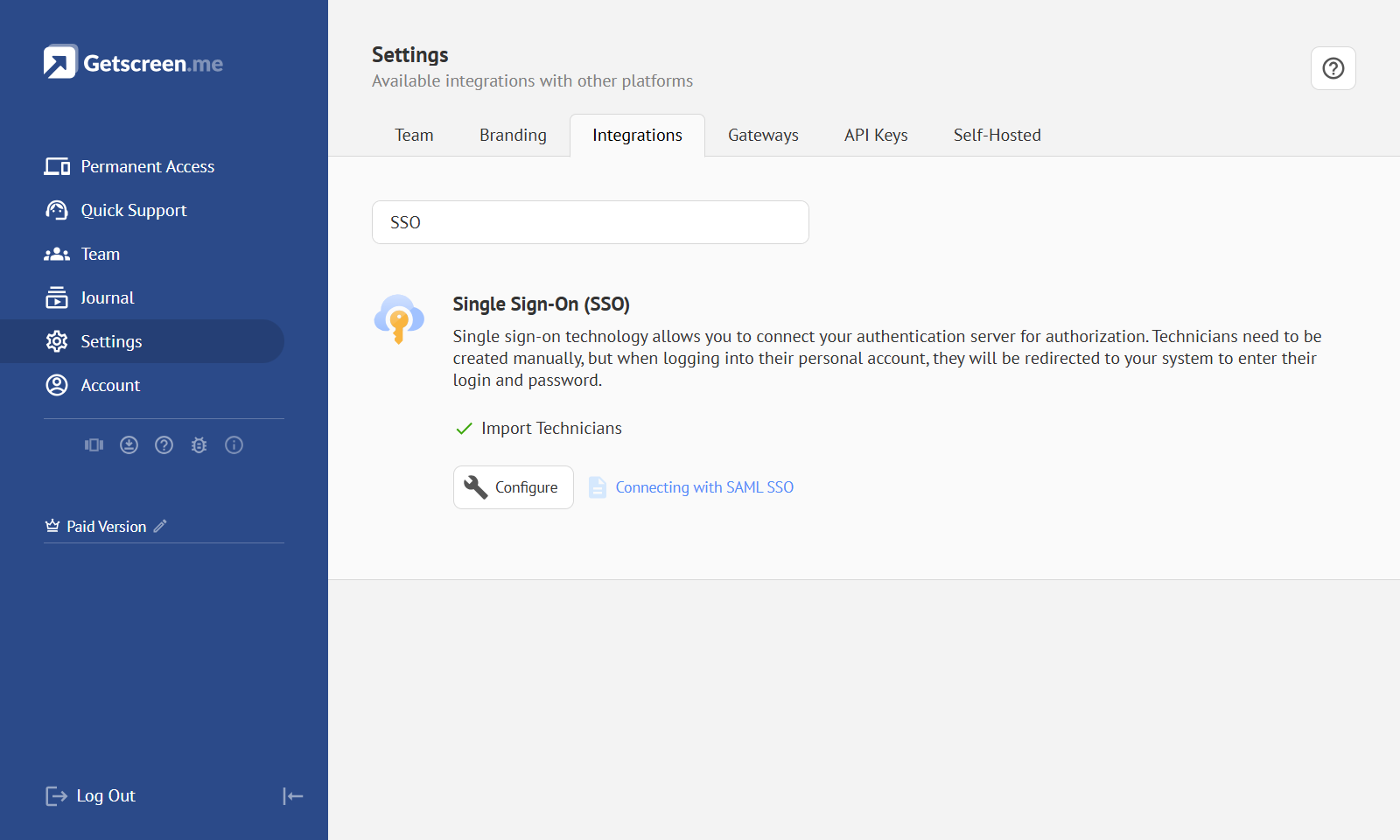
Connecting with SAML SSO
Learn how to configure technician account authentication through an external Identity Provider in the separate user guide.