Settings
This account section brings together all available settings for system elements and features used during remote access and its administration.
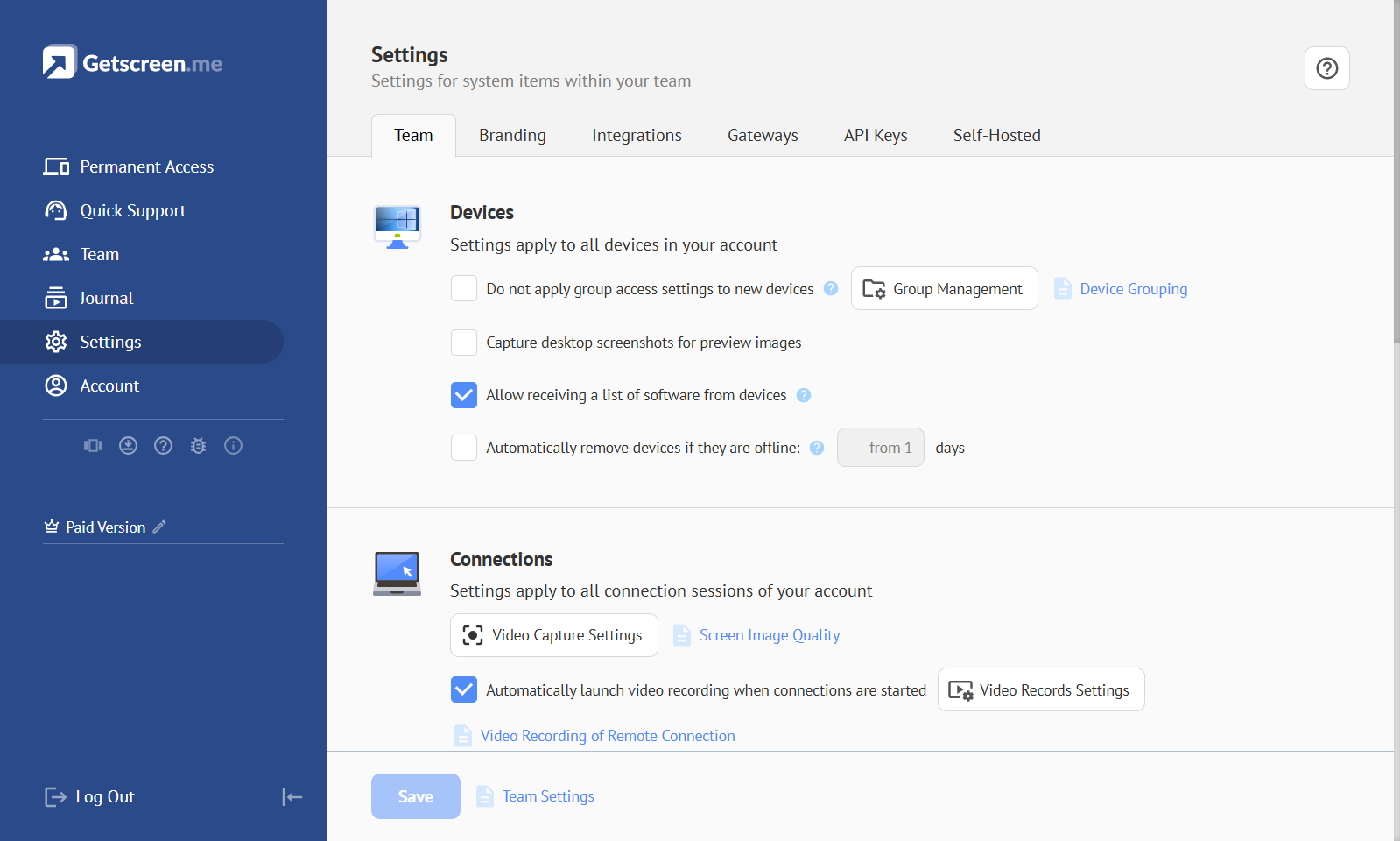
Team Settings
Team Settings — remote access settings that apply within a team to all system elements, including technicians, devices, and connections. Team settings can be managed by the team owner or by a technician with team administration permissions. Learn More
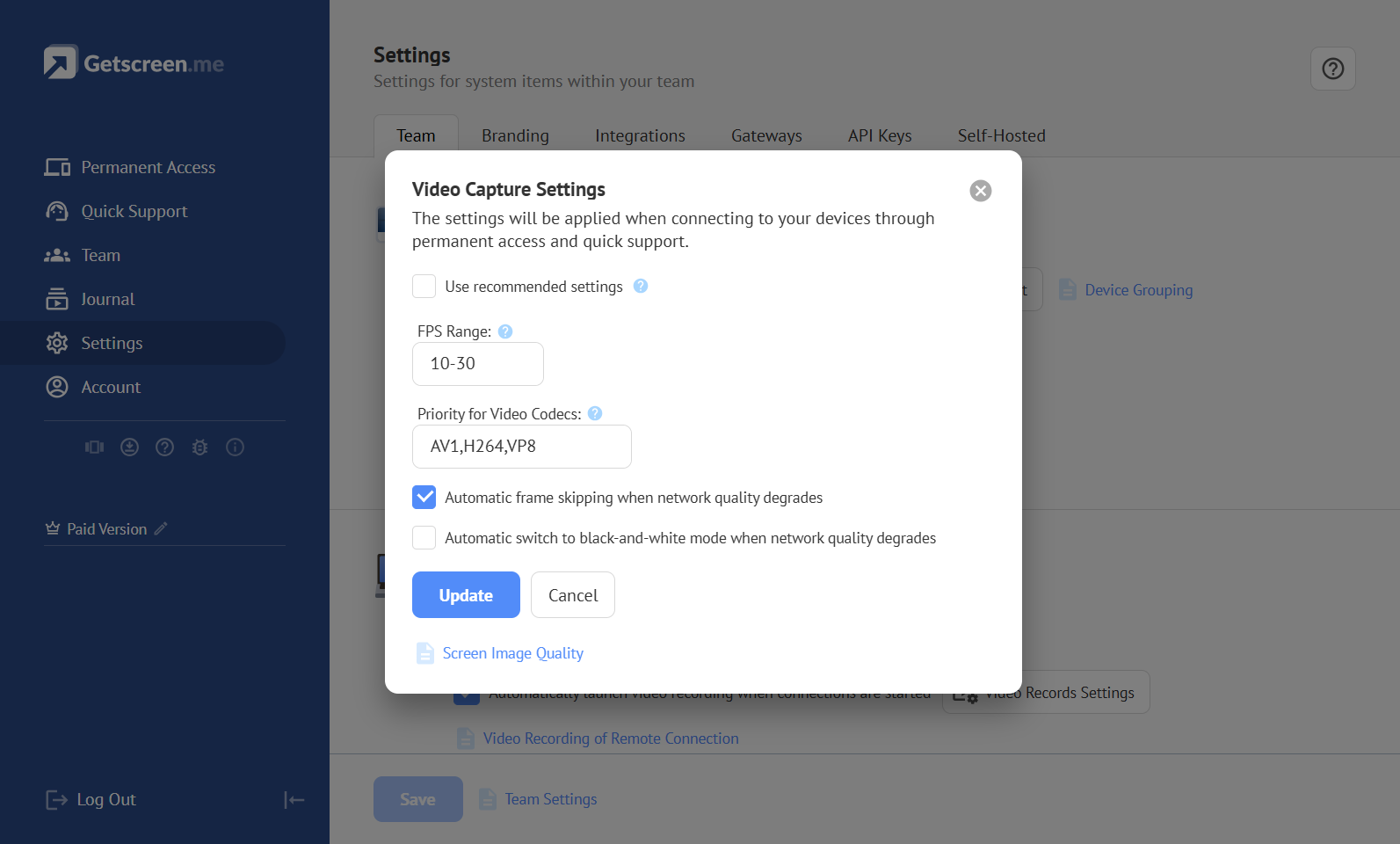
Video Capture Settings
Video Capture Settings — settings used to configure encoding of the video stream that transfers the remote device screen image. These settings are intended to optimize image quality and the amount of transmitted data. Learn More
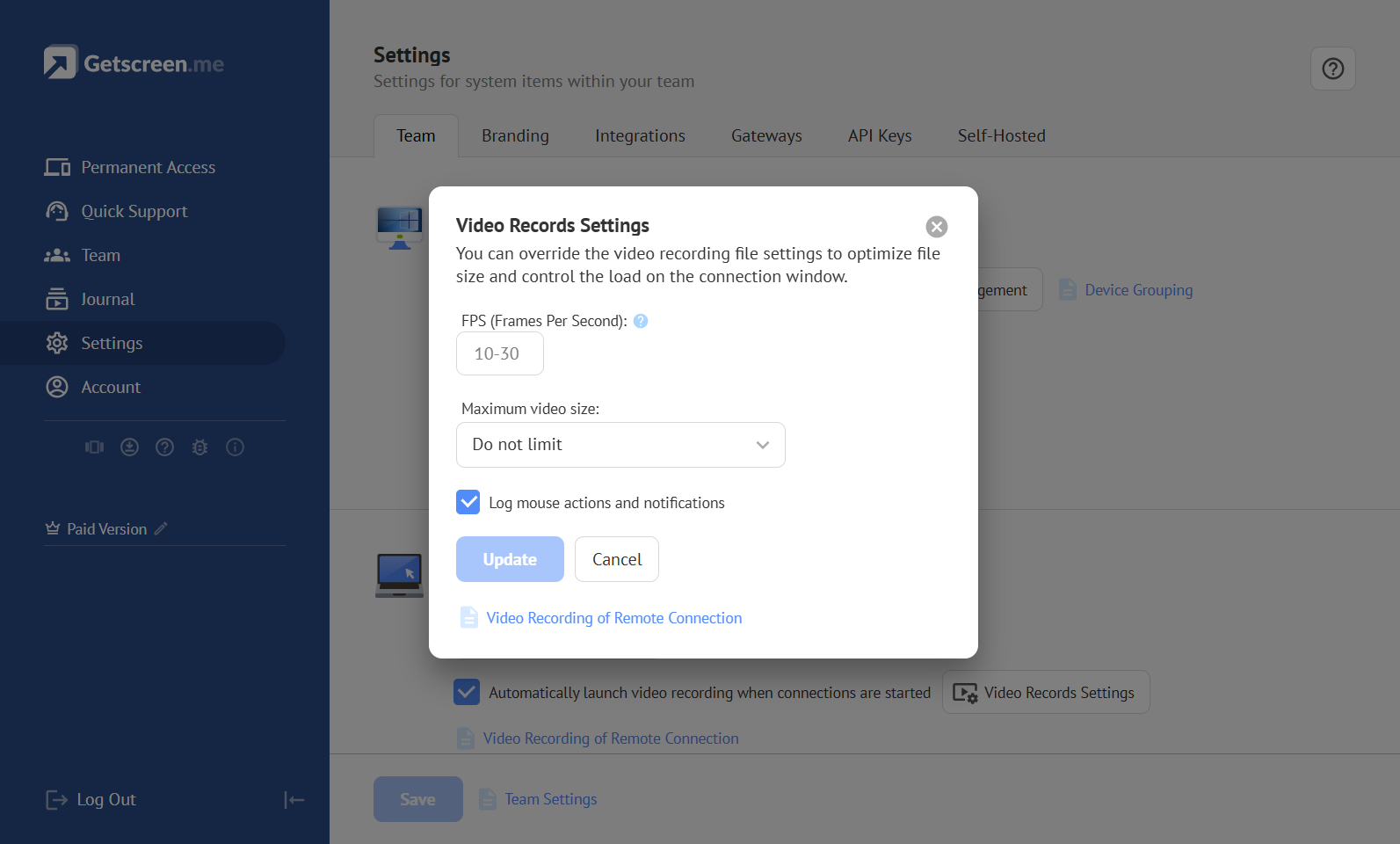
Video Records Settings
Video Records Settings — settings used to configure video recording of remote connection sessions. Video recording is a resource-intensive process performed on the technician’s device during a connection. These settings help optimize resource usage on the technician’s device. Learn More
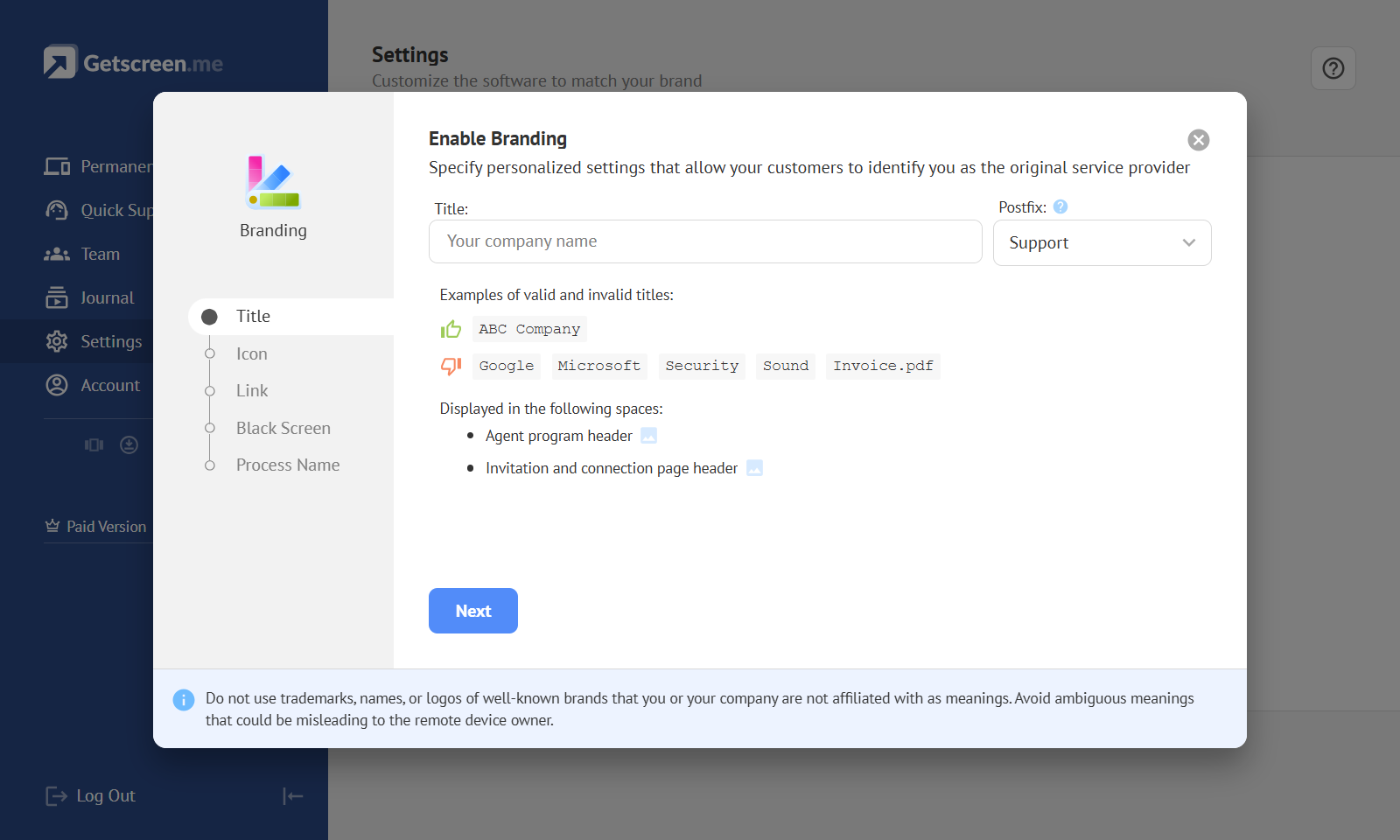
Branding Settings
Branding Settings — settings used to customize the system interfaces that remote device users interact with. Branding can be applied to connection links, elements of the agent application, and Quick Support invitation pages. Learn More
Gateway Settings
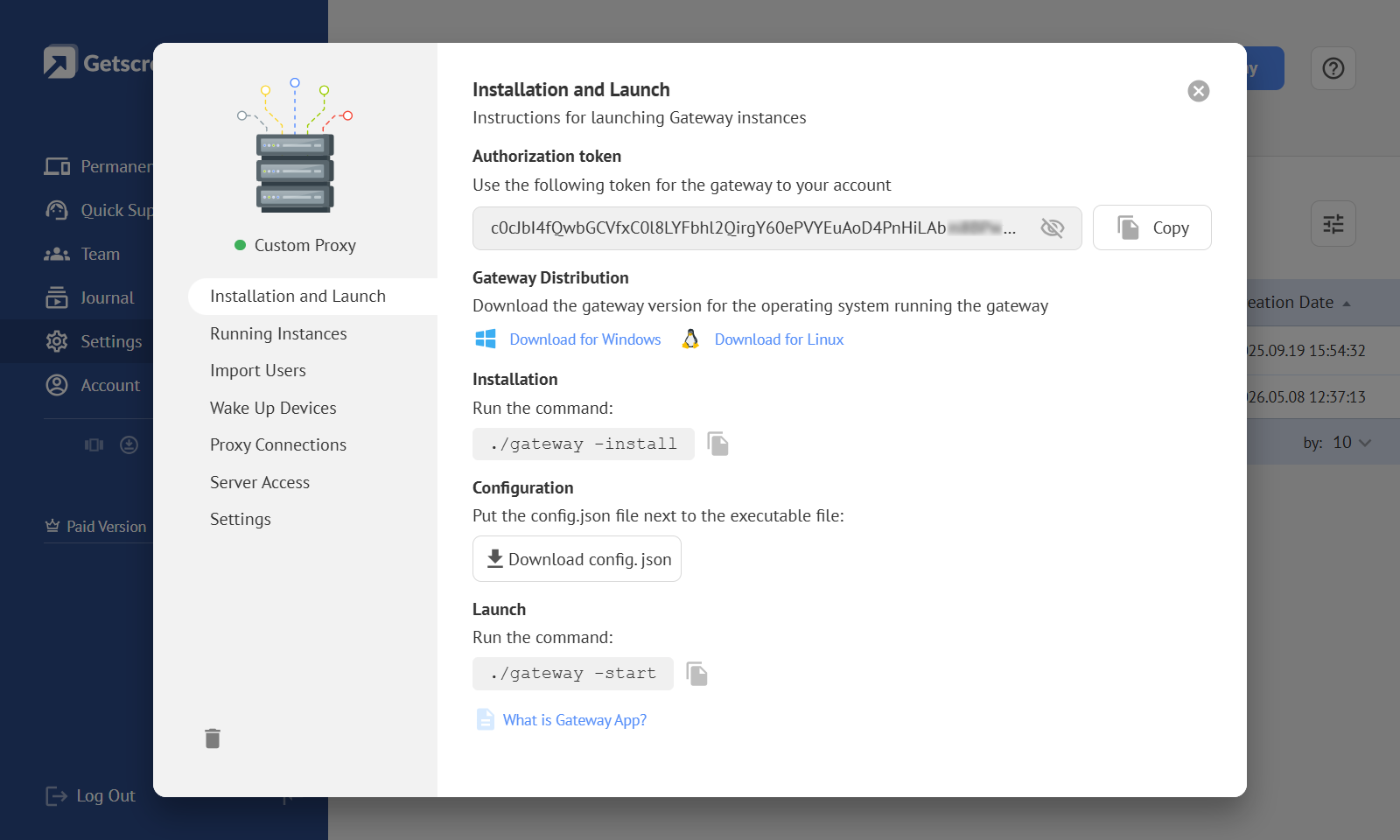
Gateway Settings — settings for gateway applications used to integrate with other systems or extend account functionality. Learn More
Authorization Token
Authorization Token — a token used to authorize a gateway application on the server.
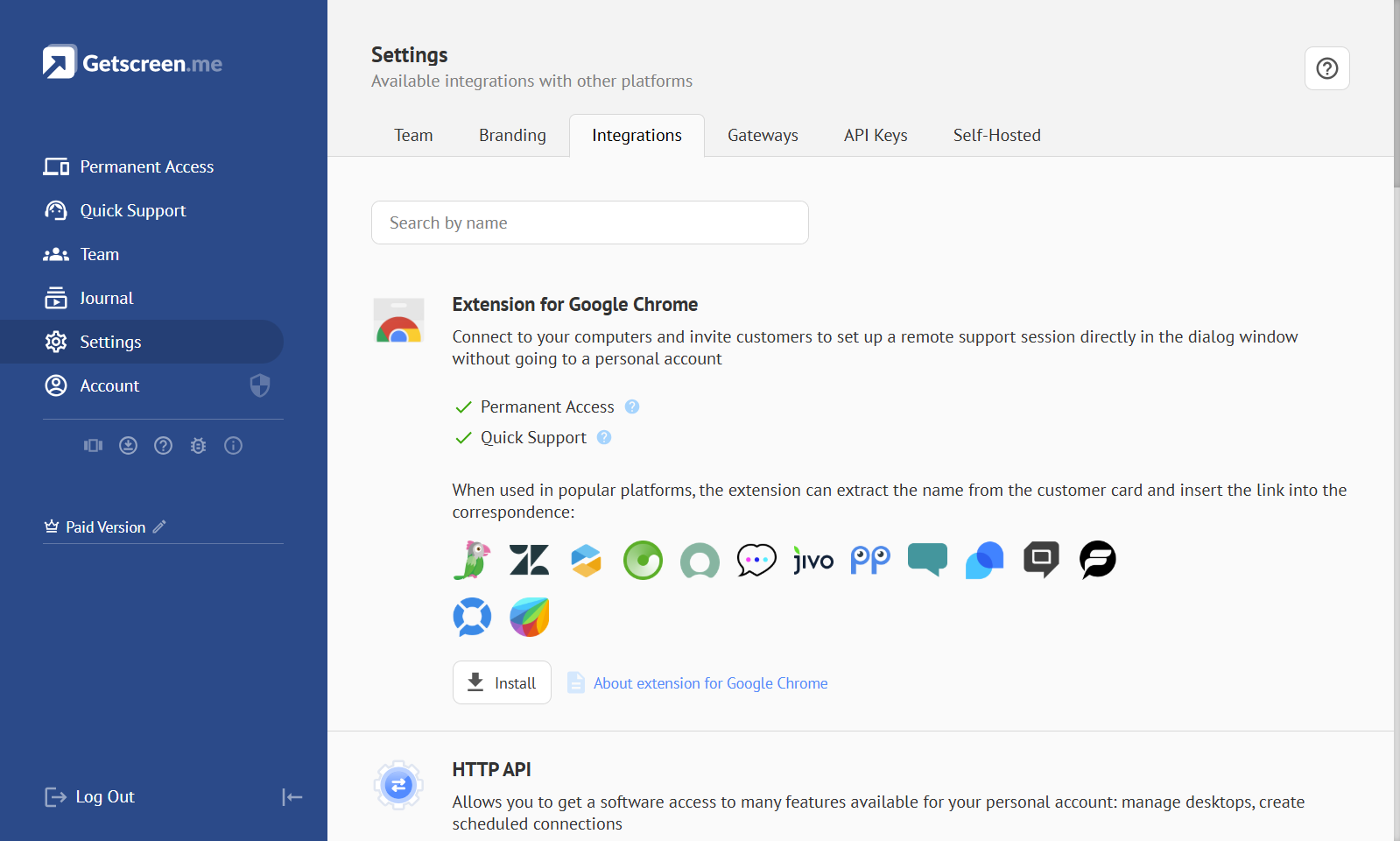
Integrations
Integrations — a list of systems and individual features available for integration with the account.
HTTP API
HTTP API — a public server interface for automated data exchange that provides methods for managing account elements and connecting to devices.
HTTP API Reference
Learn more about authorization and all available methods in the separate user guide.
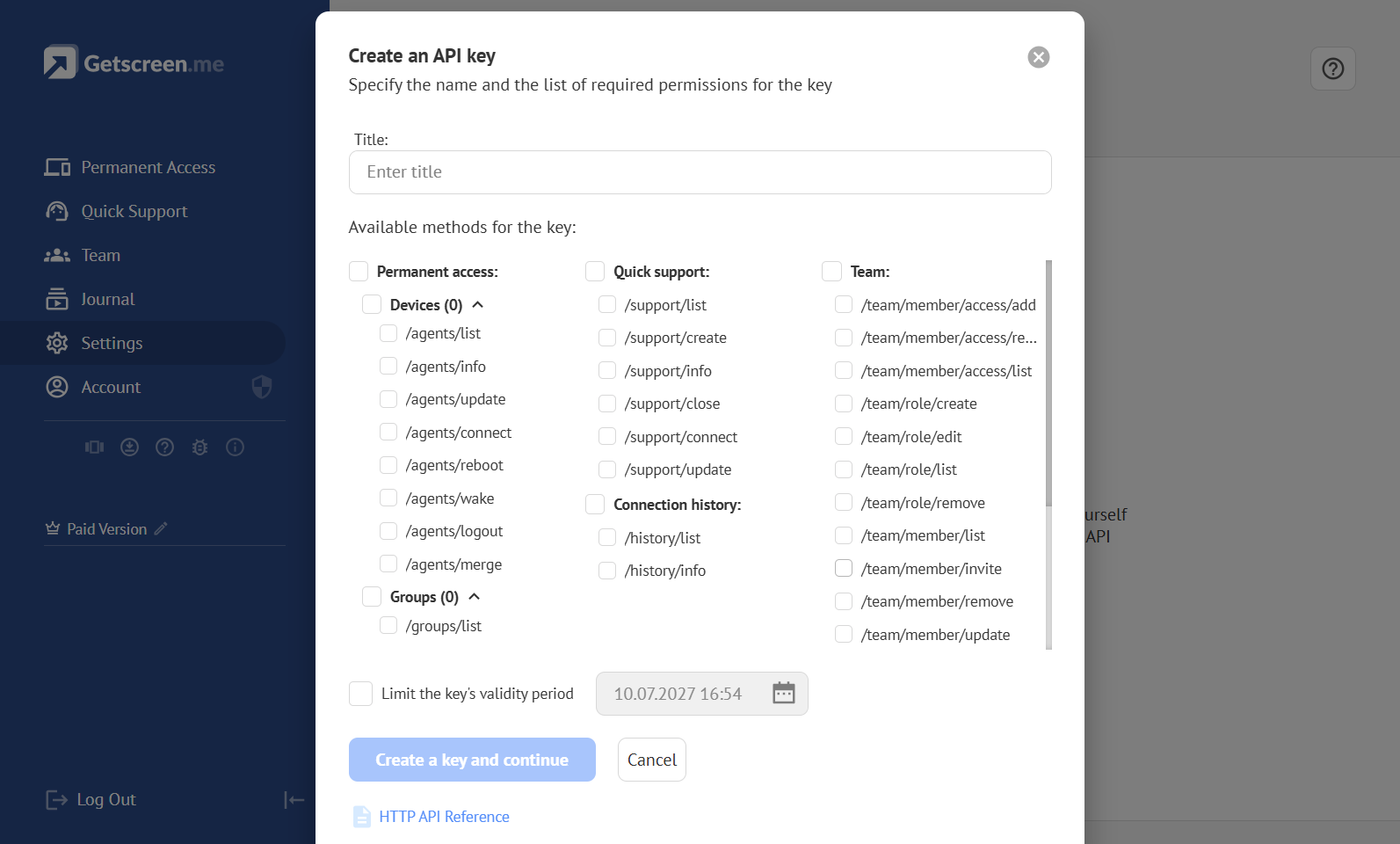
API Key
API Key — a key used to authorize requests sent to the server through the HTTP API. Each key has a defined set of allowed methods and an expiration date.